Beginner Guide to Unix Time and Epochs
You can tell a computer the exact moment something happened with a single number. That number travels well across apps, servers, and time zones. It sorts cleanly. It stores small. It avoids a lot of calendar drama. That number is Unix time, and once it clicks, a bunch of time tools start to feel easier.
Unix time is a running count of seconds since the Unix epoch, 1970 01 01 at 00:00:00 UTC. It ignores time zones by design, then you format it for humans at the edges. You convert it with tools, store it in logs and databases, and use it to measure durations, schedule timers, and compare events across the world. Watch out for milliseconds, leap seconds, and the year 2038 limit on older 32 bit systems.
Need to convert a timestamp right now?
Paste an epoch value, pick seconds or milliseconds, then get a clean human time in UTC or your chosen zone.
Mini quiz to test your epoch instincts
Answer these three, then check yourself.
What Unix time really is, in plain language
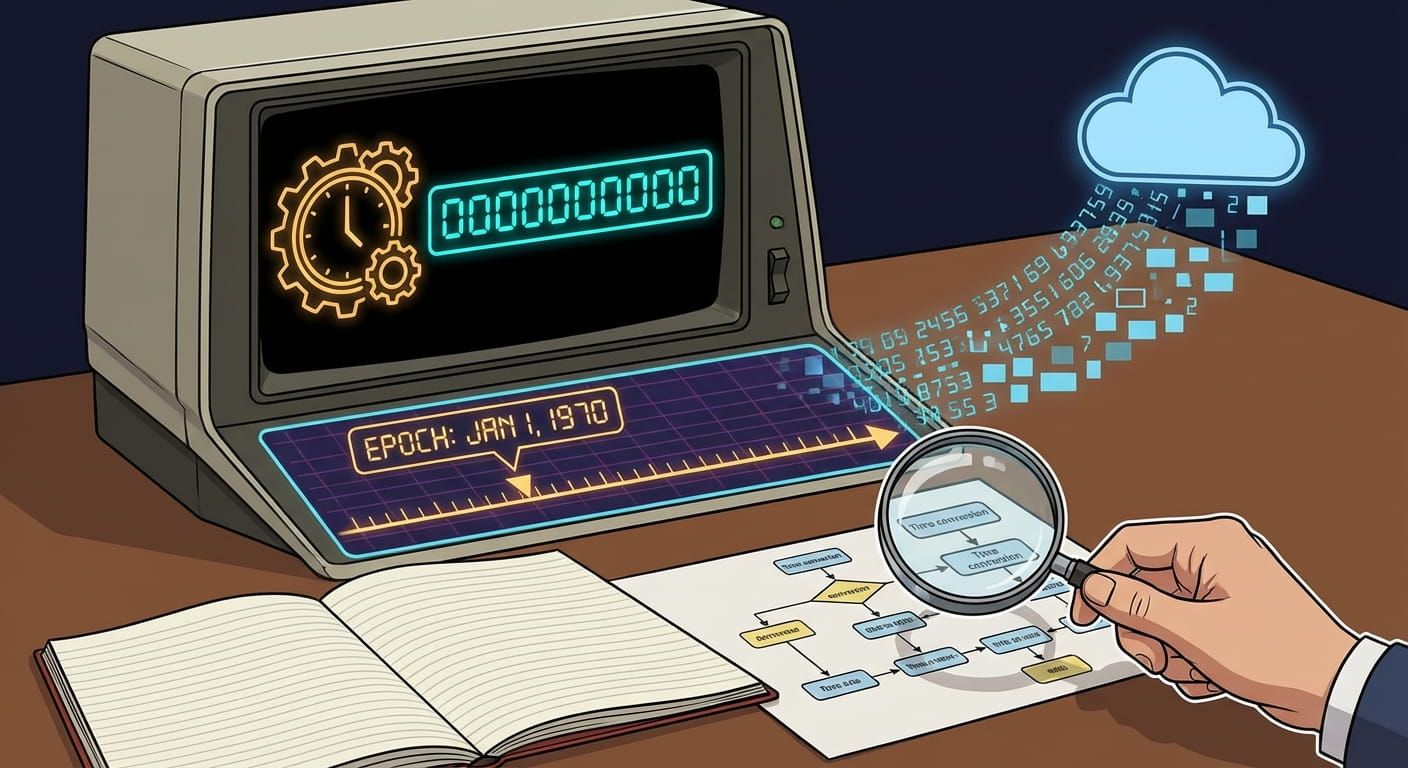
Unix time is a counter. It starts at a specific instant called the Unix epoch, which is 1970 01 01 at 00:00:00 in UTC. From that moment, the counter increases by one each second. A timestamp is simply the counter value at some later instant.
That makes it different from a date string like 2026 03 04 08:30:00. A date string is already formatted for people, and it usually assumes a time zone. Unix time is not formatted for people. It is meant to be a stable backbone that computers can share without arguing about daylight saving time, country rules, or user settings.
A simple mental model
Unix time is a ruler. Dates are labels you print on the ruler for humans.
Why the epoch starts in 1970
Unix time came from early Unix systems. The designers needed a clear starting point, and 1970 01 01 at midnight UTC was practical. It was close to the era when Unix was created, it fit well in the data types of the time, and it gave plenty of room for future dates.
Is 1970 special in a cosmic sense? No. It is a convention. The value is only meaningful when everyone agrees on the same origin. Once you accept the shared starting line, the numbers become portable. That is why epoch based systems show up everywhere, not only in Unix.
UTC, time zones, and why Unix time stays neutral
Unix time is defined relative to UTC. UTC is the reference clock that time zones are built around. Local time zones are offsets plus rules. Some places change their offset in summer. Some places stop doing that. Some places change their rules with little notice. UTC is the steady reference point underneath.
This is where Time.you’s mission fits naturally. It is an atomic clock synchronized time service that shows the exact current time across major cities, countries, and time zones. That same idea, a stable reference plus careful conversion, is exactly how you treat Unix timestamps in real life. Store the neutral number, then convert to the viewer’s zone for display.
If you want to convert a timestamp to a human date while also doing other time math, the time calculator fits nicely into the workflow. It helps with durations, add time, subtract time, and formatting, which is often what you need right after you decode an epoch value.
Seconds, milliseconds, microseconds, the classic trap
The most common beginner mistake is mixing seconds and milliseconds. Some systems store Unix time in seconds, others store it in milliseconds. Browsers and many JavaScript APIs lean toward milliseconds. Many command line tools and logs lean toward seconds.
Here is a quick way to sanity check by length:
- 10 digits is often seconds for modern dates.
- 13 digits is often milliseconds for modern dates.
- 16 digits is often microseconds in some systems.
- 19 digits is often nanoseconds in high precision logs.
Length is not a guarantee, but it is a strong clue. If a timestamp looks huge and the decoded date is in the far future, you probably fed milliseconds into a seconds parser. If it looks tiny and the decoded date is in 1970, you might have fed seconds into a milliseconds parser.
A colorful reference table you can keep nearby
| Unit | Typical digits today | Common places you will see it | How to convert to seconds |
|---|---|---|---|
| Seconds | 10 | Linux logs, many APIs, database fields | Use as is |
| Milliseconds | 13 | Browsers, JavaScript dates, many event trackers | Divide by 1000 |
| Microseconds | 16 | Some databases, tracing systems, performance tools | Divide by 1000000 |
| Nanoseconds | 19 | High precision logs, some kernels, some metrics pipelines | Divide by 1000000000 |
How to read Unix timestamps without getting lost
Reading a Unix timestamp is a two step dance. Step one: interpret the number in the right unit. Step two: convert it into a calendar date in the time zone you care about.
Here is a friendly habit that saves time: always write the unit next to the number in your notes. Put “s” or “ms” after it. This reduces the kind of mistakes that can waste an hour during debugging.
Another habit: check the converted year. Most modern timestamps should land somewhere between 2000 and 2100 for daily work. If you see 51382 or 1970 again and again, treat it as a signal that the unit or time zone assumptions are wrong.
One timestamp, many human views
Two people can look at the same instant and see different clock times on their screens. That is normal. One is in Singapore, another is in London. The instant is identical. The local display differs. Unix time keeps the instant stable, and the view is handled by conversion rules.
This is also why tools that show world time feel comforting. When you need to coordinate a release, a call, or a race, being able to see multiple zones next to each other reduces mistakes. A neutral timestamp underneath makes the whole setup reliable.
How Unix time supports timers, alarms, stopwatches, and countdowns
At first glance, Unix time feels like a developer thing. Then you notice it powers everyday tools. Timers and alarms still need a reliable concept of “now” and “later”. A stopwatch still needs accurate elapsed seconds. A countdown still needs a target moment and a current moment.
These tools often work like this:
- Capture the current time as an epoch number.
- Store the target as another epoch number, or store a duration in seconds.
- Compute the difference to show time remaining or time elapsed.
- Render the result in a human friendly format.
A countdown page like countdown feels simple on the surface. Under the hood it depends on the same idea, a steady “now” compared with a target moment, then turned into hours, minutes, and seconds you can watch tick down.
A timer like timer is basically duration math. A stopwatch like stopwatch is also duration math, but it counts up. An alarm like alarm is a stored target instant with a trigger rule. Unix time makes these concepts consistent across devices and regions.
Epoch math that stays human friendly
Epoch math is just arithmetic on seconds. Yet the output people want is rarely raw seconds. People want “2 hours 13 minutes” or “tomorrow at 9:00”. That is why a good workflow keeps both layers in mind: the machine layer for precision and sorting, the human layer for clarity.
Here is a bullet friendly checklist you can use in one glance:
- Store epoch values for instants, store seconds for durations.
- Label your units every time you pass data between systems.
- Convert to local time only at the display edge.
- Log both the epoch and the formatted date during debugging.
Duration tools become extra helpful once you start doing epoch math regularly. You can use them to add a fixed amount of time to a timestamp, or to compare two moments and see the exact gap in days, hours, and minutes.
Epochs beyond Unix, and why the idea repeats
Unix time is popular, but it is not the only epoch based system. Many platforms pick an origin date and count forward. Some count in seconds, some in ticks, some in days. The origin might be 1601, 1900, 2001, or something else.
This repetition is not random. Counting from a fixed origin makes storage and comparison easy. It also reduces ambiguity. A date string can be interpreted in different ways. A numeric counter is less fuzzy, as long as you know the origin and the unit.
If you work with spreadsheets, exports, or mixed tools, you might bump into these other epochs. That is a good reason to keep a small note of the big ones in your personal toolkit.
Leap seconds, and why timestamps still behave
Real world timekeeping has one awkward detail: leap seconds. UTC occasionally inserts a leap second to keep atomic time aligned with Earth rotation. That sounds scary for beginners, but most Unix time systems handle it in a practical way.
Many systems treat Unix time as a count of “non leap seconds” since the epoch, or they smear the leap second over a short window. The details vary by system and time source. For everyday work, the key point is that Unix timestamps remain consistent enough for logs, scheduling, and durations. If you are doing high precision science or financial trading, you will use specialized time sources and libraries and you will document your assumptions carefully.
Good to know
Leap seconds exist, but most day to day timestamp work stays smooth. Use a reliable time source and be clear about units.
The year 2038 problem in clear terms
Some older systems store Unix time as a signed 32 bit integer in seconds. That type can only represent a limited range. It runs out around 2038 01 19 in UTC. Past that point, values can wrap and become negative, which breaks ordering and scheduling.
Many modern systems already use 64 bit integers, so the limit is far beyond anything practical. Yet old devices and old software can still exist in the wild. If you handle embedded systems, legacy routers, or older operating systems, this topic can show up. The simplest safety move is to use 64 bit time storage whenever you control the choice.
How to convert Unix time to a date, without memorizing code
You do not need to memorize conversion code to use Unix time confidently. The goal is to understand what the conversion is doing. A converter takes the epoch number, interprets it as seconds or milliseconds, then maps it onto the calendar and clock in a chosen time zone.
If you prefer interactive tools, a unix time converter is built for exactly this kind of check. Paste in a timestamp, confirm the unit, then read the human date. It also helps when you have a date and you need the timestamp for an API call.
If you do write code later, the same rules apply:
- Confirm the unit before conversion.
- Pick a time zone deliberately for display.
- Keep the raw epoch for storage and sorting.
Working with dates before 1970
Unix time can represent dates before the epoch as negative numbers, in many systems. That surprises people the first time they see it. The idea is the same. Seconds before the epoch count backward.
Not every platform supports negative timestamps equally, especially older ones. If you are dealing with historical datasets, archives, or astronomy timelines, test your tool chain on known sample dates. If you only care about modern events, negative timestamps might never appear, but it is still useful to recognize them when they do.
Choosing the right time zone at the right moment
The biggest comfort Unix time gives you is that you do not have to decide a time zone early. You store the instant. Later, you decide how to present it.
That presentation choice depends on context:
- For logs, UTC is often best, it is consistent for teams across regions.
- For user facing screens, local time is often best, it matches the person’s clock.
- For travel planning, showing both local time and home time can be calming.
If you work with military time zone letters, the military time zones page can help you map letters and offsets. That is handy for aviation notes, radio communication, and some planning contexts where letters show up.
Unix time and daylight saving time, where confusion usually starts
Daylight saving time changes local offsets. That can create “missing” local times and “repeated” local times on the clock. This is exactly the kind of confusion Unix time avoids, because Unix time does not rely on local wall time to represent an instant.
Yet confusion can still happen when you convert. You might convert an epoch value into local time and see a strange jump. That is not the timestamp being wrong. That is the local time zone rule doing what it does.
Here is a practical approach:
- Keep UTC timestamps in your data layer.
- Convert for display with a time zone database that is kept up to date.
- If a local time looks odd, check whether a DST shift happened on that date in that region.
How epochs help you compare events across systems
Imagine a simple question: which event happened first? If you have two local time strings from different regions, you cannot compare them safely without conversion. If you have two epoch numbers in the same unit, comparison is instant. Smaller number means earlier moment.
This is why epoch time is common in event tracking, error reports, monitoring, and distributed systems. It gives you a shared language for ordering events, even when each device lives in a different local time zone.
Using Unix time for scheduling and repeating tasks
Scheduling can be thought of as a promise: do something at a specific moment. For a one time task, storing the target moment as a timestamp is clean.
Repeating schedules are trickier. A repeating event like “every day at 9:00 local time” is not just a fixed number of seconds. Local time rules can change. Holidays can matter. Months have different lengths. This is why recurring calendars usually store rules, not a single timestamp.
That said, Unix time is still central. A calendar system uses rules to compute the next occurrence, then that occurrence becomes an instant, which can be represented as an epoch value.
If you are planning or checking date patterns, browsing a familiar calendar view can help. Time.you also offers a calendar that pairs nicely with timestamp thinking, because it keeps the human context in view while you work with precise instants.
Where Unix time shows up in real life tools
Once you start noticing epoch values, you will see them everywhere. Here are common places they appear:
- Server logs and error traces.
- API fields like created_at and updated_at.
- Database records and audit trails.
- Analytics events and click tracking.
- File metadata and backups.
- Timers, alarms, and reminders.
Timers and stopwatches feel like simple utilities, but they train your intuition for duration and deadlines. If you like structure during study time, tools like a classroom timer can support focus, but the underlying idea still comes back to counting seconds accurately.
A list of practical ways beginners use Unix time right away
- Fix a weird date bug. You see a date in 1970, you suspect a missing timestamp or a unit mismatch.
- Sort events cleanly. Epoch numbers sort naturally, no month names involved.
- Measure time between two moments. Two timestamps, one difference, then format into minutes and hours.
- Set a reliable deadline. Store the deadline as an instant, then show it in each person’s local time.
- Track study sessions. Start time and end time as epoch values, then total the elapsed seconds.
- Debug scheduling. Log both the raw timestamp and the formatted date, then compare across systems.
Formatting timestamps for humans without losing accuracy
Formatting is where you pick the style people will see. You might show a full date and time, or you might show “5 minutes ago”. Both styles rely on the same raw data.
Here are common formatting choices, and when they feel right:
| Format style | Example output | Best for |
|---|---|---|
| Absolute local time | 2026 03 04 16:30 | Appointments, alarms, user schedules |
| Absolute UTC | 2026 03 04 08:30 UTC | Logs, debugging across regions |
| Relative time | 5 minutes ago | Feeds, chat, activity pages |
| Date only | 2026 03 04 | Reports, summaries, milestones |
Notice how the raw timestamp is not shown in these examples. People do not need it. Yet the raw number is what makes these displays reliable and comparable under the hood.
Unix time in databases and APIs
Databases often store time in one of three ways: a native timestamp type, a date string, or an integer epoch value. Each choice has tradeoffs.
Epoch integers are compact and sortable. They also avoid time zone confusion inside the storage layer. Native timestamp types can be convenient for queries and indexing, but you still need to know whether the type stores UTC or local time. Date strings are human readable, but sorting and parsing can become tricky, and different formats can slip in.
APIs often accept or return epoch timestamps because they are language neutral. A phone app, a web app, and a backend service can all pass the same number without worrying about locale settings. Later, each client formats it for its user.
Testing your own timestamps with a simple routine
If you want a practical routine, here is one you can reuse each time a timestamp looks suspicious:
- Write down the raw number and the source system.
- Check the digit length to guess the unit.
- Convert it assuming seconds, note the date.
- Convert it assuming milliseconds, note the date.
- Pick the conversion that lands in a believable year and matches context.
- Confirm the time zone used in display.
This routine is not fancy. It is calm. It works. It also helps you explain the issue to someone else, because you can show your steps without drama.
Unix time and week numbers, when planning gets structured
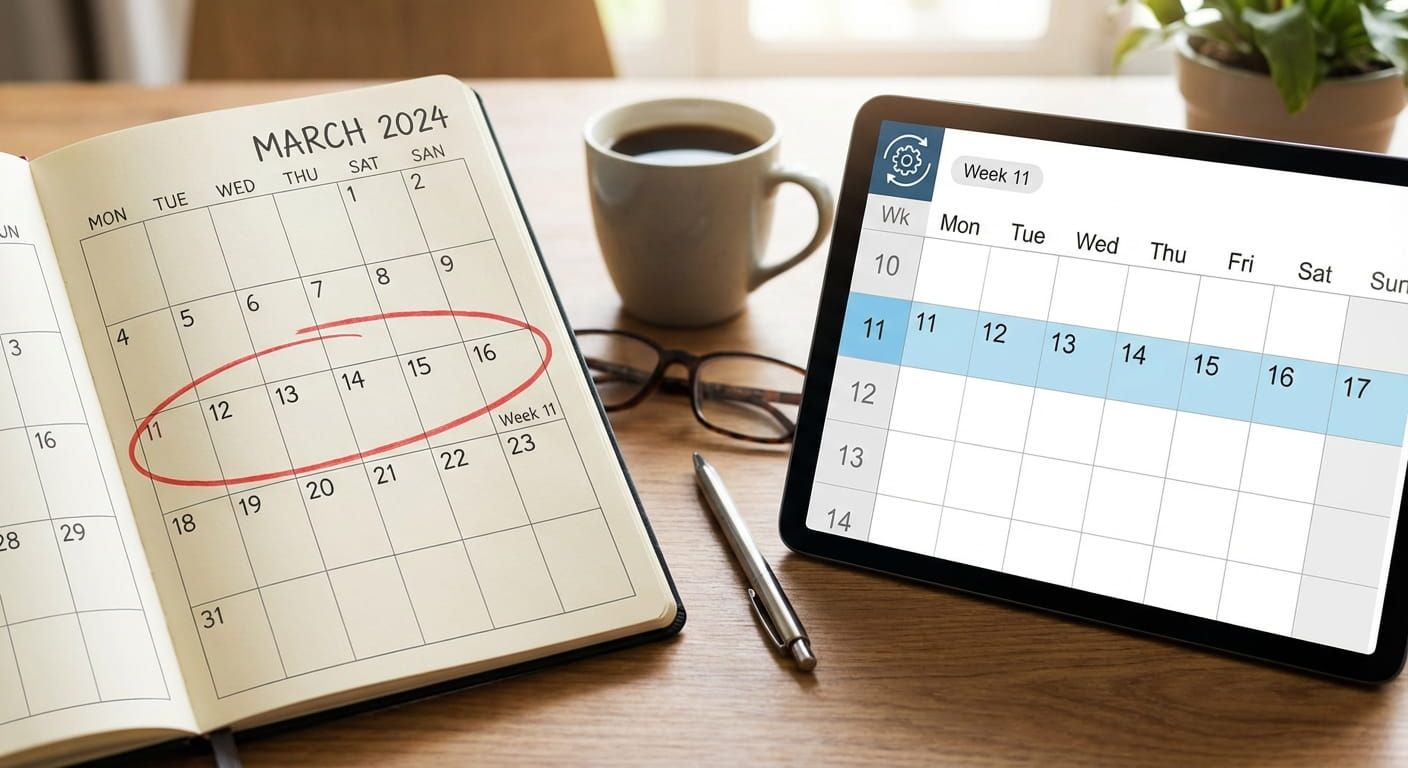
Week numbers show up in project planning, school schedules, shipping timelines, and work calendars. If you store instants as timestamps, you can still group them by week for human reporting. The conversion stage maps a timestamp to a calendar date, then you derive the week number from that date.
If you ever need to check what week a date falls into, the week number page is a handy companion to timestamp work. It keeps planning language aligned, especially across teams that use week based roadmaps.
Short notes on precision and clock sources
Unix time is only as good as the clock behind it. Devices drift. Networks lag. Some systems correct time periodically. Others run free for long periods.
Atomic clock synchronized services exist to reduce drift and keep “now” reliable. Time.you focuses on exact time across time zones, which aligns with the same goal: trustworthy reference time. For most everyday tools, small drift is fine. For tight coordination, it matters.
If you are timing a study block, a cooking step, or a workout interval, the absolute “true” time matters less than consistent counting. That is why timer and stopwatch tools feel stable even when a device clock is a bit off. The duration counting is what you care about.
Common questions beginners ask about Unix time
Is Unix time the same everywhere?
Yes, for the same instant. The number is global. Local time displays differ after conversion.
Does Unix time include leap seconds?
Many systems treat it as a smooth count that does not directly represent leap seconds. For normal apps, it behaves predictably. For high precision work, document your time source and method.
Why do I keep seeing 1970 dates?
That usually means a missing timestamp, a value of zero, or a unit mismatch. It can also happen if a parser fails and falls back to the epoch.
Can I use Unix time for birthdays and anniversaries?
You can store the instant of an event, but repeating yearly events are rule based. A calendar rule plus a time zone is often better for recurring reminders.
How Unix time connects to duration calculators
Epoch timestamps shine when you need clean differences. Two timestamps in seconds can be compared to find an elapsed duration. From there you can format it into days, hours, and minutes for a person.
This shows up in practical tasks all the time: time spent on a task, how long a download took, how long until a deadline, or how much time passed between two messages.
Duration thinking also supports focus habits. If you use a timer to work in blocks, you start to see time as measurable and repeatable. You can pair a countdown with an alarm to mark the end of a session, and the workflow still rests on accurate second counting under the hood.
Unix time across operating systems and tools
Different environments present Unix time in different ways. Command line tools might show seconds. Web tools often show milliseconds. Databases might store either, or hide the storage behind a timestamp type.
Here are a few practical patterns you will notice:
- Log lines might include both an ISO date and an epoch number.
- Analytics events might store a millisecond number for higher detail.
- Monitoring systems might store timestamps at microsecond or nanosecond precision.
- Export files might contain a mix of formats depending on the source.
The skill is not memorizing every format. The skill is recognizing the unit, then converting consistently.
Handling time safely in user interfaces
People notice time errors quickly. A meeting shown one hour off feels bad. A countdown that finishes early feels worse. A log viewer that sorts events wrong can hide the real cause of an incident.
Here are UI habits that reduce trouble:
- Show the time zone label near displayed dates, especially for shared views.
- Offer a toggle for local time and UTC in technical screens.
- Use relative time only when the page updates regularly.
- For deadlines, show both a calendar time and a time remaining indicator.
This is where combining tools can feel powerful. A countdown gives urgency. A calendar gives context. A timestamp gives correctness. Each part has a job.
Practicing with real examples, without any pressure
If you want to get comfortable, practice with three kinds of inputs:
- A timestamp from a log line.
- A timestamp from a browser event.
- A date you care about, like a future reminder time.
Convert each to a human date in UTC and in your local time zone. Then convert the human date back to a timestamp. The round trip helps your brain trust the process. The goal is not speed. The goal is confidence.
If you want a gentle way to keep time skills sharp, try building tiny habits around time tools. A daily alarm for a routine, a stopwatch for a short workout, a timer for study sessions, and a countdown for a deadline you care about. The more you interact with time, the less mysterious timestamps feel.
From epochs to everyday clarity
Unix time is a simple idea that earns its place. It gives you a shared number for an instant. It plays nicely with time zones because it does not pick one for you. It makes sorting and comparison straightforward. It also shows up behind the scenes of timers, alarms, stopwatches, countdowns, and calculators.
Once you get the basics, the rest is habit: label your units, convert at the edges, and sanity check your results. With that, epoch numbers stop looking like random noise, and start feeling like a dependable bridge between computers and human schedules.