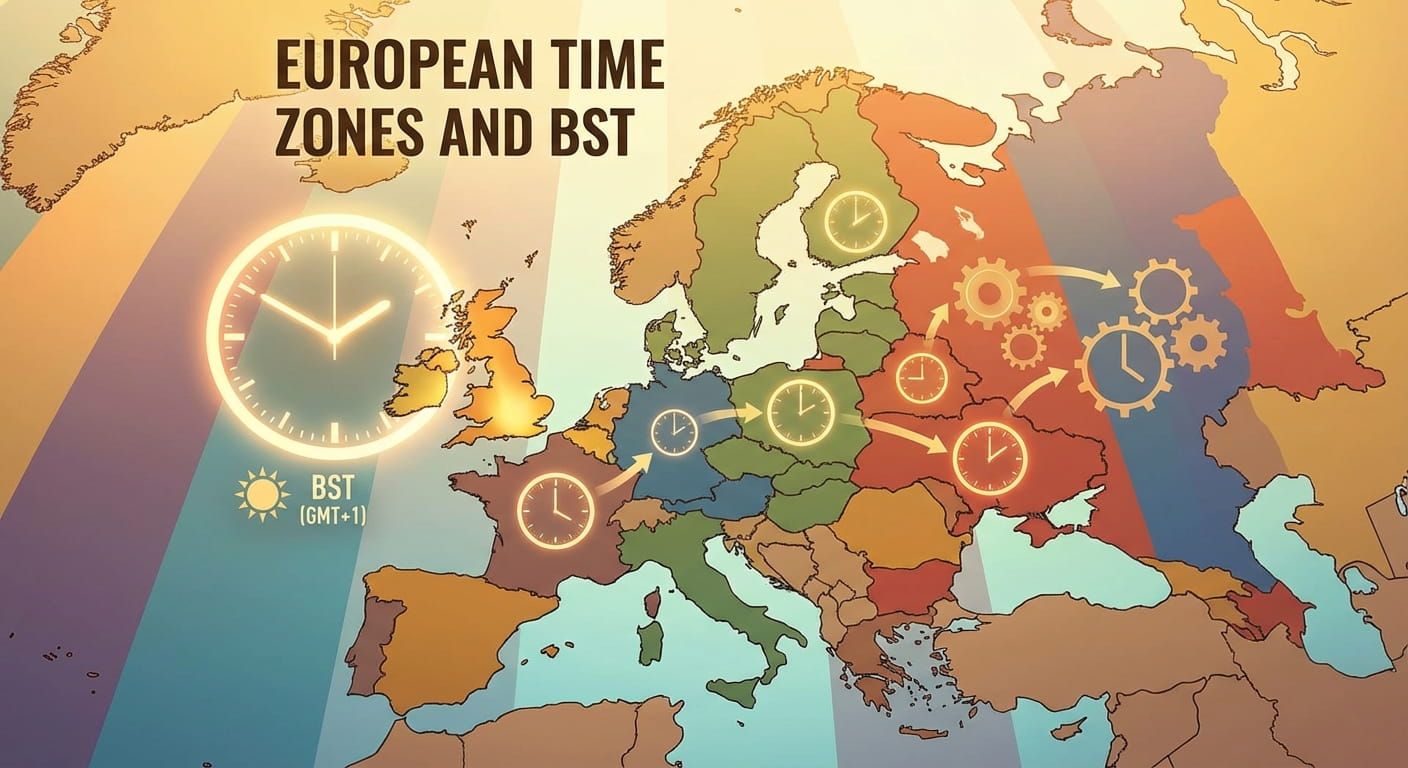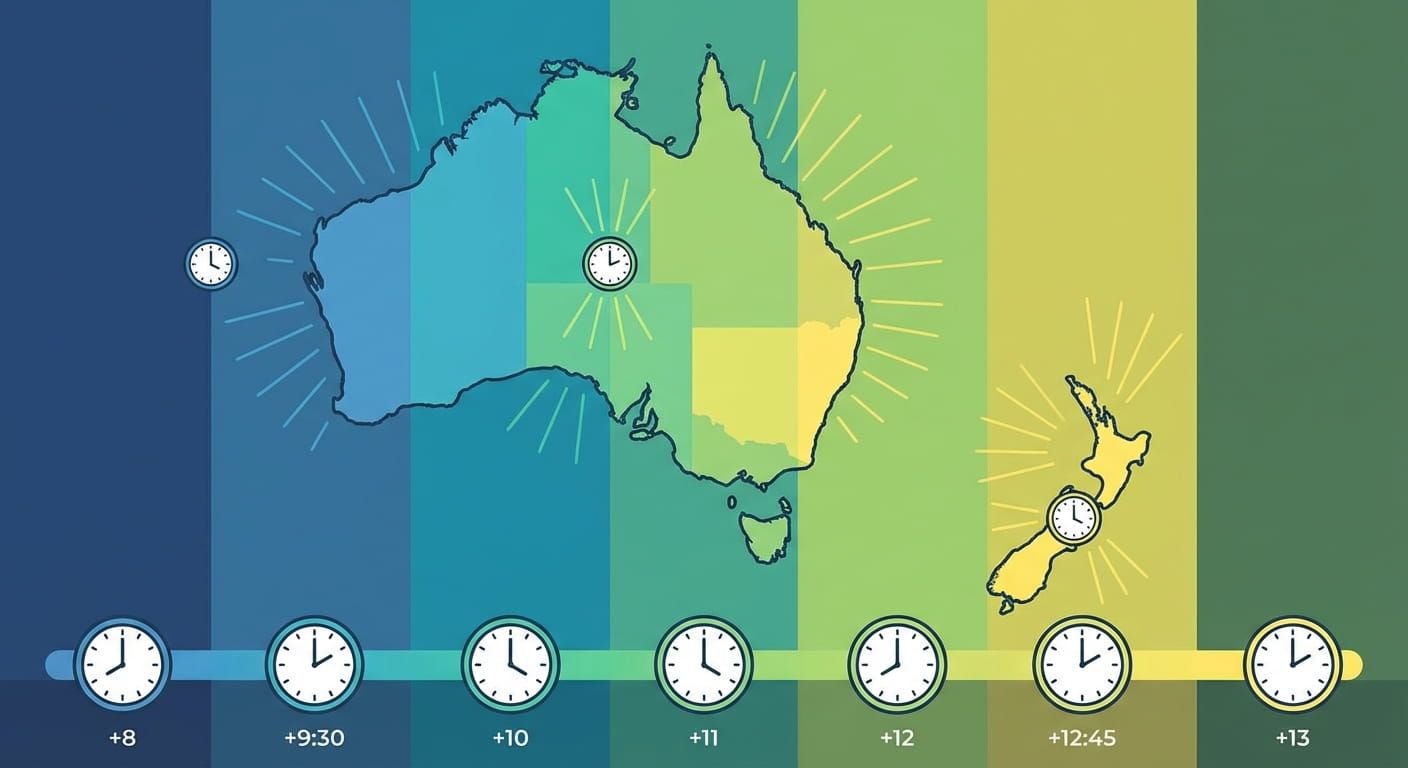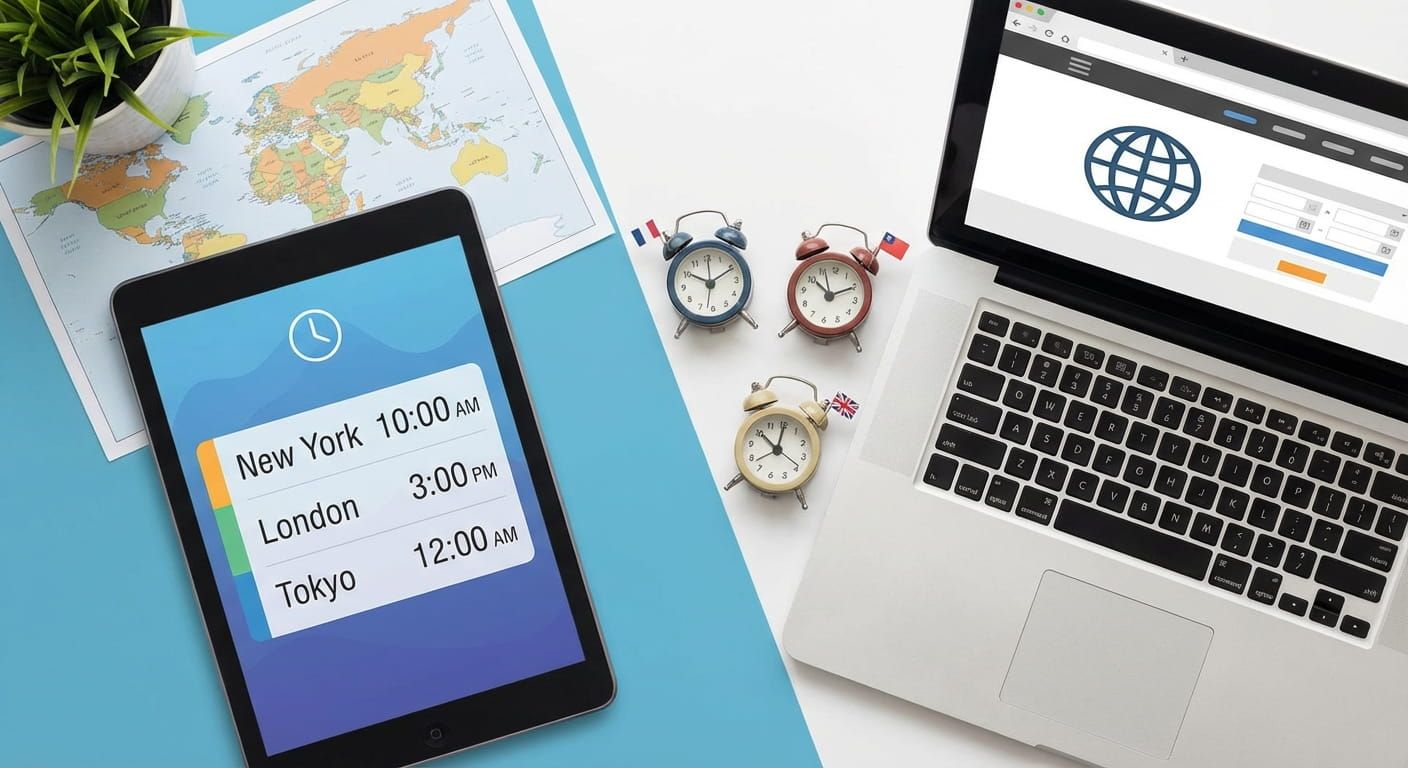
Missed calls, late meetings, and confusing flight times usually come from one thing, converting time across borders without a solid system. A good international time zone converter fixes that. It helps you translate a moment in one city into the correct moment everywhere else, even during daylight saving changes. This guide shows what the best converters do, how to use them with confidence, and how to avoid the common traps that make time math feel messy.
Key takeaway
The best international time zone converters do three things well. They anchor every conversion to a clear reference moment, handle daylight saving shifts automatically, and show results across multiple cities without guesswork. Pick a converter that supports named cities, UTC offsets, and meeting friendly views. Then use a simple routine, set your source city, choose the exact date, confirm DST status, and share a link or event invite so everyone sees the same time.
Mini check in quiz for time conversion confidence
Tap an answer for each question. Your score updates instantly.
1) A time zone converter should always ask you for which detail to avoid mistakes?
2) Why do some conversions change by one hour depending on the month?
3) What is the safest way to share a meeting time globally?
Score: 0 out of 3
Try a reliable time zone converter
When you need a clean conversion across cities, set the source city, choose the date, then add target cities and check the day change. The fastest way to avoid mistakes is to use a tool built for city based conversion and DST awareness.
What makes a converter truly international
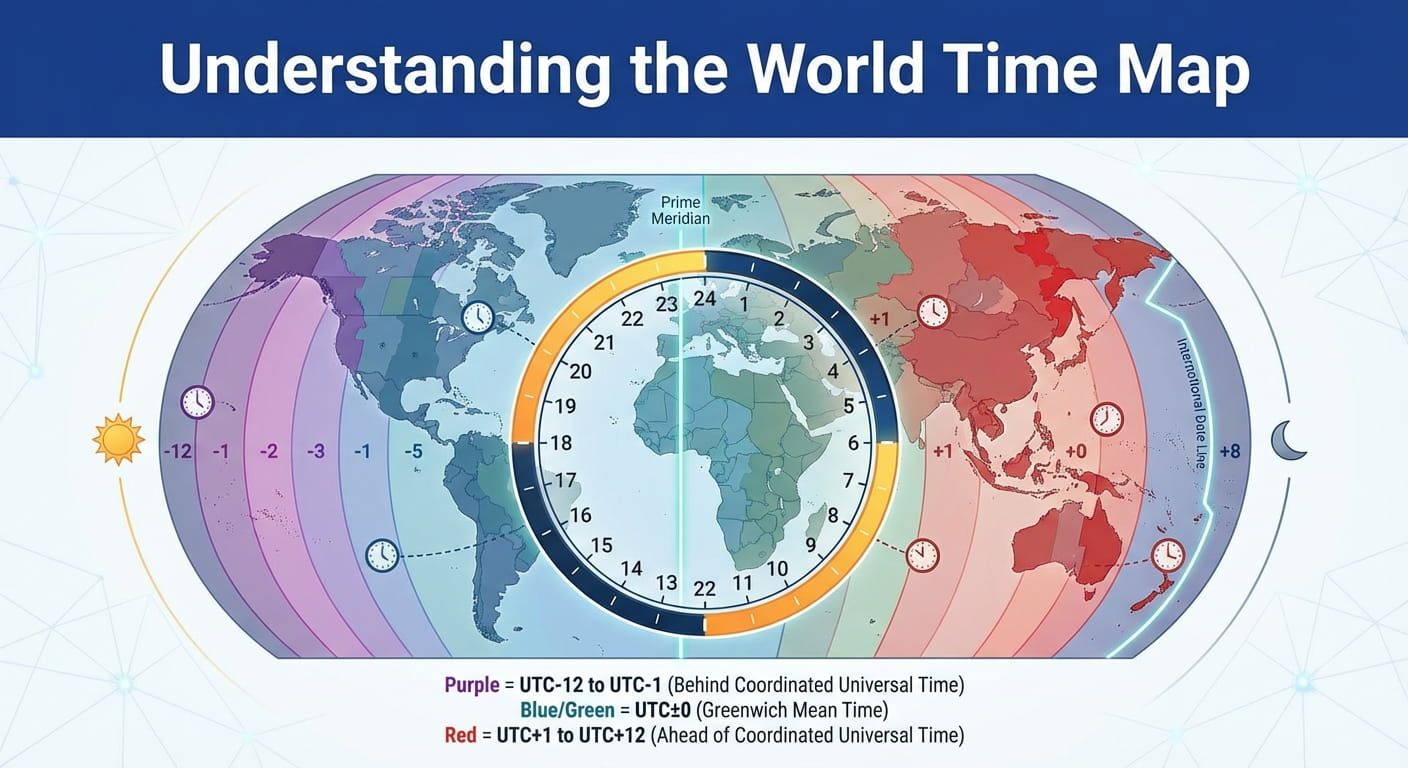
Not every converter earns the word international. The best ones understand the messy parts of time. They handle daylight saving changes, time zones that are not whole hours, and places that share abbreviations but not actual offsets. They also help you move between city names and standards like UTC and GMT without turning it into a math exercise.
- City based inputs: Choose Singapore, Tokyo, London, New York, Sydney, Dubai, Delhi, Johannesburg, or São Paulo, and get the correct result without memorizing offsets.
- Date awareness: The same city can shift by one hour depending on the day of the year. A converter must treat the date as a first class setting.
- Automatic daylight saving handling: You should not need to remember when the clock changes in California or in the United Kingdom.
- Multiple results at once: A good view shows many cities in one glance, helpful for remote teams spread across continents.
- Clear reference: The converter should show the source time, the source zone, and the target zone in plain language.
Real life tip: If the converter does not show the date right next to the time, treat the result as untrusted.
The core conversion routine that rarely fails
Here is a simple routine that works whether you are scheduling a call, tracking a live event, or booking travel. It looks basic, and that is the point. A reliable habit beats clever tricks.
- Pick the source city first. Start with where the event is happening. If the concert starts in London, London is the anchor.
- Set the exact date. Daylight saving can make March and November behave differently in North America. Date matters.
- Confirm the time format. Use 24 hour time if possible. It removes AM and PM confusion.
- Add your target cities. Include your location plus any key teammates, like Singapore, Tokyo, New York, Los Angeles, and Sydney.
- Scan for the DST note. If one city is in daylight saving and another is not, the converter should make that clear.
- Share using a stable reference. Send the converted time plus the source city and date. If your calendar supports time zones, include the time zone in the invite.
Features that separate the best tools from the basic ones
International converters can look similar at first glance. The difference shows up in the details. These features matter most for real planning across borders, especially across North America, Europe, Africa, the Middle East, and Asia Pacific.
- Abbreviation clarity: Many abbreviations are reused. CST can point to different places depending on context, and the safest approach is to work from city names. If you like abbreviation references, checking a world time zone abbreviations list can help you spot conflicts fast.
- Half hour and quarter hour zones: Delhi uses a half hour offset. Nepal uses a quarter hour offset. A converter must support these without rounding.
- Day boundary warnings: Converting from Los Angeles to Tokyo often shifts the date. The tool should flag that you moved into tomorrow or yesterday.
- Friendly meeting windows: A view that highlights waking hours helps you avoid scheduling 3 AM calls for someone in New York or Auckland.
- Copy ready output: One tap copy for a message like, 09:00 Singapore on 12 June, equals 01:00 London, equals 20:00 New York on 11 June.
A professional reference table for common zones and cities
This table is a practical cheat sheet for popular international scheduling routes. It is not meant to replace a converter. It helps you sanity check results before you hit send, especially when a meeting touches London, New York, Singapore, Tokyo, Sydney, and Dubai.
| Zone label | Typical UTC offset | Example places | DST note |
|---|---|---|---|
| UTC | UTC plus 0 | Reference standard used worldwide | No DST |
| GMT | UTC plus 0 | Common reference in UK contexts | UK may shift in summer |
| IST | UTC plus 5:30 | Delhi, Mumbai | No DST |
| SGT | UTC plus 8 | Singapore | No DST |
| JST | UTC plus 9 | Tokyo, Osaka | No DST |
| AEST | UTC plus 10 | Sydney, Brisbane | Some states shift seasonally |
| NZST | UTC plus 12 | Auckland, Wellington | Often shifts seasonally |
| ET | UTC minus 5 or minus 4 | New York, Toronto | Often uses DST |
| PT | UTC minus 8 or minus 7 | Los Angeles, Vancouver | Often uses DST |
Common conversion traps and how to dodge them
Most time mistakes come from predictable patterns. Fixing them is less about being good at math and more about noticing the warning signs. If you keep one habit, make it this, share time with a date, a city, and a clear format.
Watch for this: If someone shares a meeting time without a date, ask for it before you accept.
- Assuming one abbreviation means one thing. CST is the classic example. City based conversion removes most ambiguity.
- Ignoring the local date change. Tokyo can be a day ahead of Los Angeles. A strong converter makes the target date obvious.
- Mixing UTC and local time mid conversation. Decide a reference standard. Many teams plan in UTC, then convert for local reminders.
- Forgetting half hour offsets. Delhi does not align to a whole hour. The right tool handles it cleanly.
- Trusting memory over a date specific conversion. Daylight saving can shift the gap between London and New York by an hour during parts of the year.
Choosing the right converter for your situation
Different people need different views. A student coordinating a group project across Singapore and London needs something simple. A remote team across New York, São Paulo, Johannesburg, Dubai, Delhi, and Tokyo benefits from a multi city layout. Travel planning between Sydney and Auckland benefits from a clear date change indicator, because flights and hotel check ins are unforgiving about dates.
These selection rules help:
- If you schedule meetings weekly: Pick a converter that shows a grid of hours across several cities, with day boundaries visible.
- If you message people across time zones daily: Choose one that lets you copy a formatted result with city and date, ready for chat.
- If you travel often: Pair conversions with a glanceable view of ongoing city times. Many people keep a world clock open for that reason.
- If you run events: You want a planning flow that reduces back and forth. A simple event planner style view can help you lock a time that is fair across regions.
A reader friendly rundown of converter types
International time zone converters usually fit into a few types. Each has a place, and mixing two types can be a smart move. One for planning, one for daily awareness.
- Two city converters: Great for a direct question, what time is 9:00 in Singapore in London.
- Multi city planners: Great for teams, one input time, many outputs, and a clear day change flag.
- World time dashboards: Great for ongoing awareness, you glance and know if Tokyo is in working hours.
- Event oriented layouts: Great for webinars and launches, where the same moment must be communicated precisely worldwide.
Share times in a way nobody can misread
Even the best converter cannot save you if you share time in a vague format. Use a format that makes confusion unlikely. These patterns work well in chat, email, and calendar notes.
- Include city plus date: 19:30 Singapore on 12 June
- Add a reference city if the group is mixed: 19:30 Singapore, 12:30 Dubai, 07:30 London
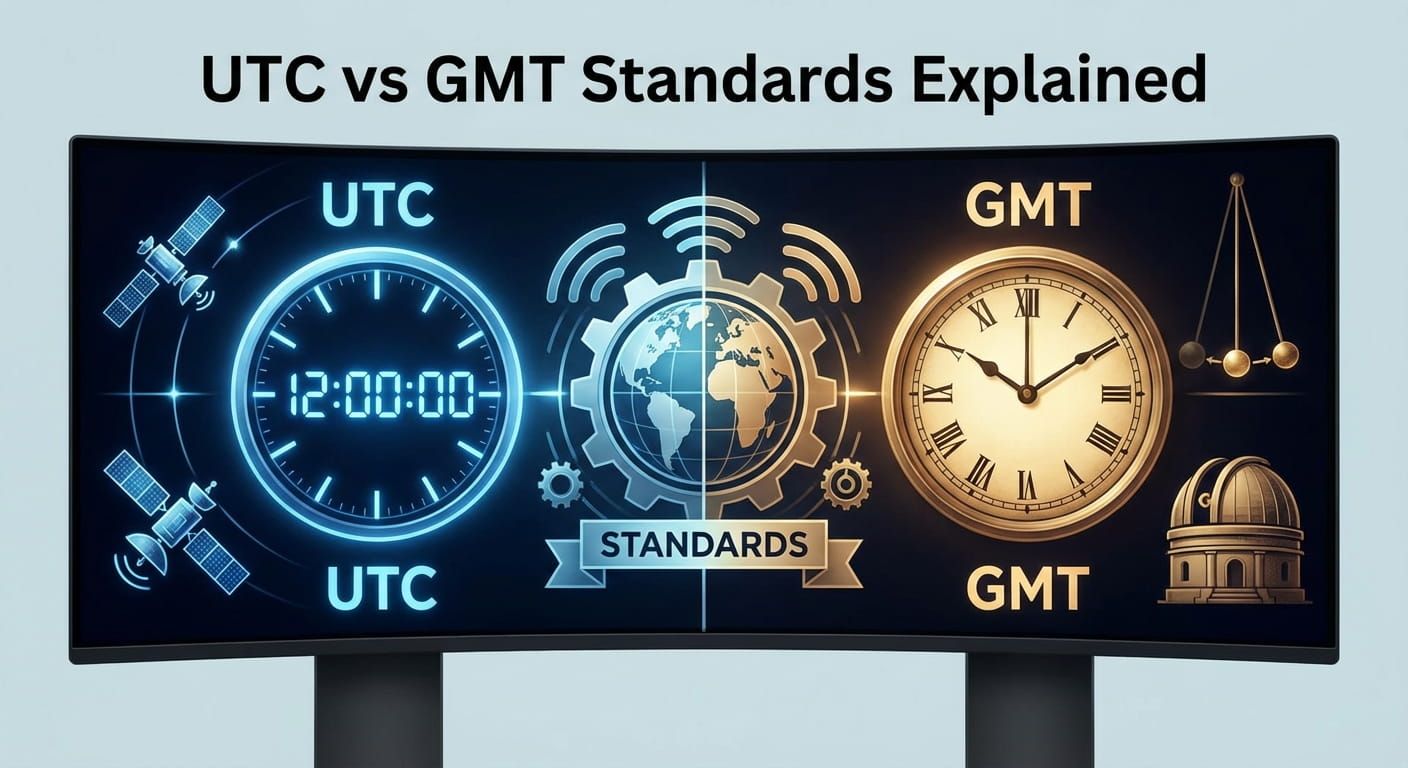
- For technical audiences: Add a standard reference. If the group debates the meaning of GMT, reading UTC vs GMT standards clears up the language you are using.
- For travel: Write local departure and arrival times with city names and dates, then keep a converter handy for connections.
Minute details that help you trust the result
Trust comes from transparency. A converter feels reliable when it shows what it assumed. Look for a display that makes these points visible, especially when scheduling across London, New York, Los Angeles, Singapore, Tokyo, Sydney, and Auckland.
- Source zone name: It should state the source city and its zone.
- Target zone name: It should state the target city and its zone.
- Date shown beside each time: Especially around midnight crossings.
- DST indicator: A small note that confirms whether daylight saving is active.
Time conversion examples that match real schedules
These scenarios show why city based conversion matters. A video call planned for 18:00 in Singapore might be 10:00 in London on the same date, but the gap can shift during parts of the year if one side changes clocks and the other does not. A product release at 09:00 in New York can land in the afternoon in London, evening in Johannesburg, late evening in Dubai, and the next day in Tokyo. A sports event starting in Los Angeles can be next morning in London and afternoon in Delhi.
Here are a few planning moments where a converter earns its keep:
- Remote standup: New York, London, Singapore, Tokyo. A multi city grid helps you pick a time that does not punish one region every week.
- Family calls: Auckland and Sydney with a relative in Los Angeles. A day change warning prevents confusion about which date the call belongs to.
- Flight connections: Dubai to Singapore to Sydney. Converting arrival times correctly helps with hotel check in and airport transfers.
- Live streams: London host with viewers in New York and Tokyo. Clear date plus city messaging keeps attendance high.
Set a rhythm that makes global time feel simple
International time zone converters are not just tools for travel. They are tools for smoother coordination. They help you avoid waking someone in Auckland at an awful hour, or asking a teammate in New York to join a call during dinner. Pick a converter that shows cities clearly, treats the date as non negotiable, and flags daylight saving changes. Then build a habit, anchor the event, convert, sanity check, and share with enough detail that nobody has to guess.