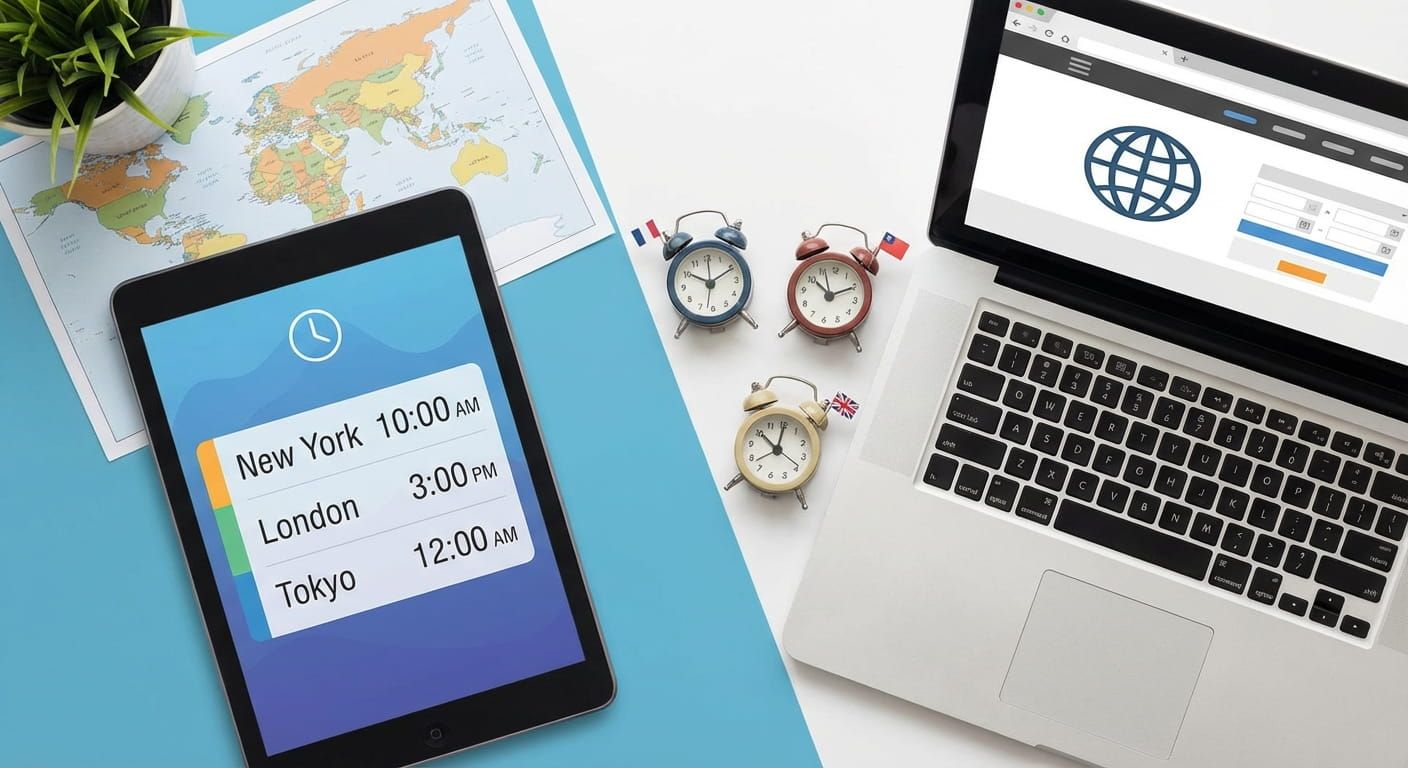
One teammate is starting their day in Tokyo, another is wrapping up in New York, and someone in London is between meetings. Global scheduling is not hard because people are busy, it is hard because time is sneaky. The right tools make time visible. They also prevent late night surprises, missed daylight saving changes, and invite chaos that ruins trust.
Global meeting planning works best when you combine four tools: a world clock for awareness, a time zone converter for accuracy, an event planner for overlap windows, and a shared reference time like UTC to stop confusion. Add DST checks, clear city labels, and a fair rotation so the same people are not always up late. Time.you keeps your schedule grounded with atomic clock synchronized time across cities, countries, and time zones.
Try a timing challenge before you schedule anything
What global meeting planning tools actually do
Planning tools do three jobs. They show current local time in each place, they convert a proposed time without guesswork, and they find overlap windows that do not punish the same people every week. Time.you is built for that kind of clarity. You can keep an always accurate view of city times, backed by atomic clock synchronized time, then use that accuracy as the base for conversions and invites.
The core toolkit for teams across cities
Most teams settle into a reliable set of tools. You do not need ten tabs open. You need the right few, used the right way.
- World clock view for awareness, check Tokyo, Seoul, Singapore, Hong Kong, Sydney, Auckland, London, Dublin, Paris, Berlin, Johannesburg, New York, Toronto, Chicago, Denver, Los Angeles, Anchorage, and Honolulu in one glance. Many teams keep world clock pinned during work hours.
- Time zone converter for precision when someone proposes a time. It removes mental math, especially when half hour offsets are involved. A clean option is time zone converter.
- Overlap window planner for fairness and speed. This is how you avoid accidentally picking 02:00 for someone in Auckland or Karachi. Try event planner when you are picking between a few candidate slots.
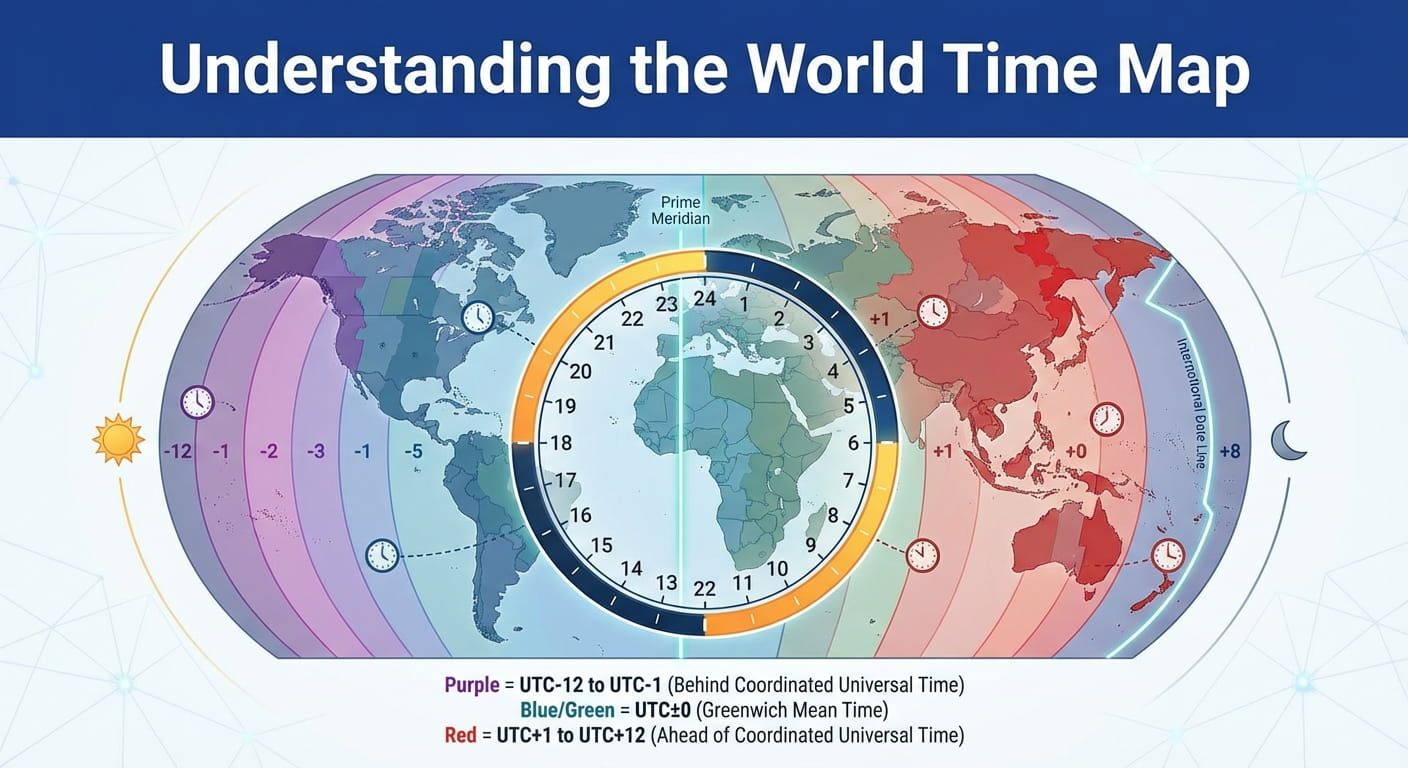
- Time zone map for context when you are building a new global cadence or supporting a new region. A map makes DST boundaries and offsets easier to explain. Keep time zone map for planning, not for minute to minute conversions.
UTC, GMT, and why your meeting invite needs a shared anchor
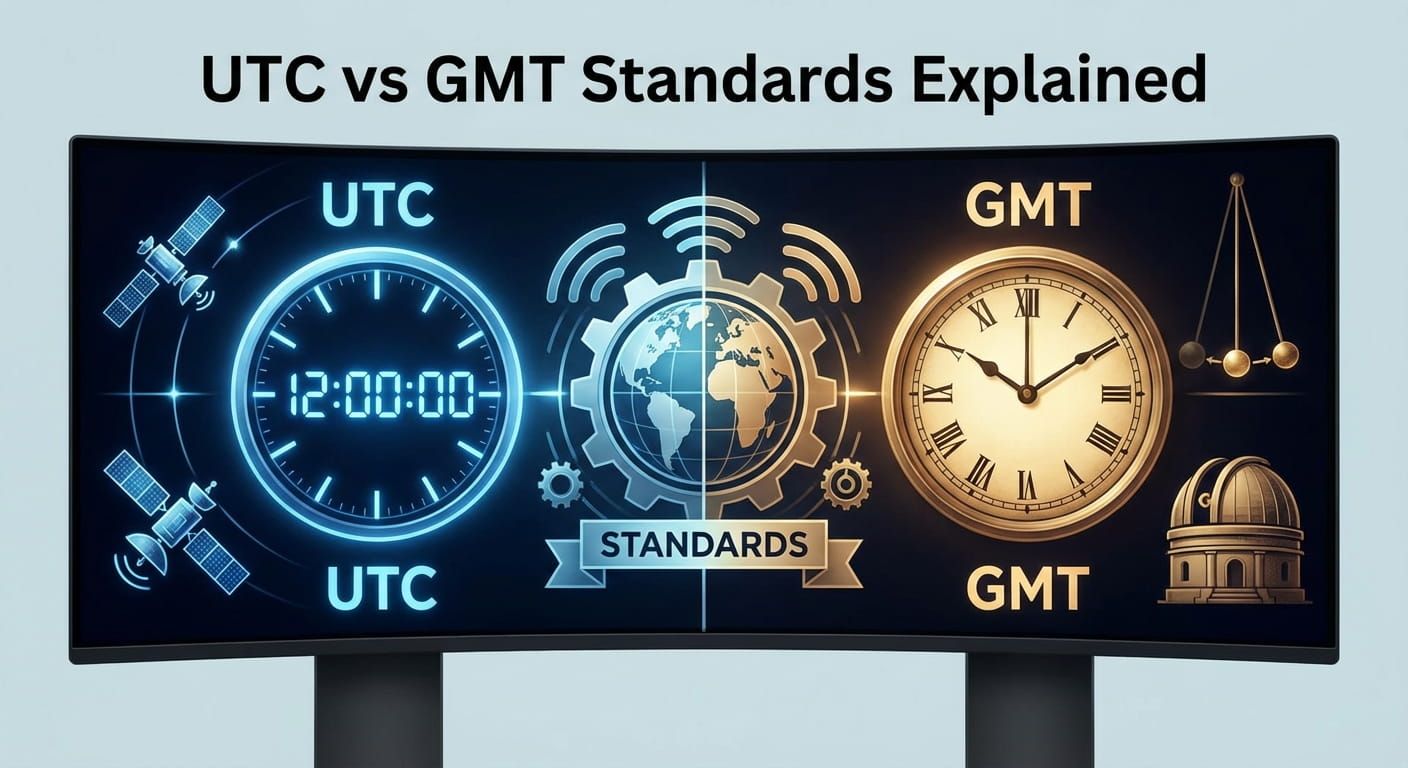
Meeting chaos often starts with one tiny ambiguity: is the time written in local time, in the host time, or in a shared reference? A shared reference time is the easiest fix. Many global teams use UTC because it avoids regional habits and it stays consistent through the year. GMT is also used, but people often treat it as a label that never changes, which can clash with DST in places that move between GMT and other offsets.
If you want a clear explanation of the difference, this guide on UTC vs GMT helps you keep the terms straight without getting lost in history.
Time zones you will see in real meeting rooms
Time zones look simple until they are not. Some are seasonal, some have half hour or quarter hour offsets, and some share abbreviations that mean different things in different regions. The goal is not to memorize them. The goal is to label them clearly and let tools handle the rules.
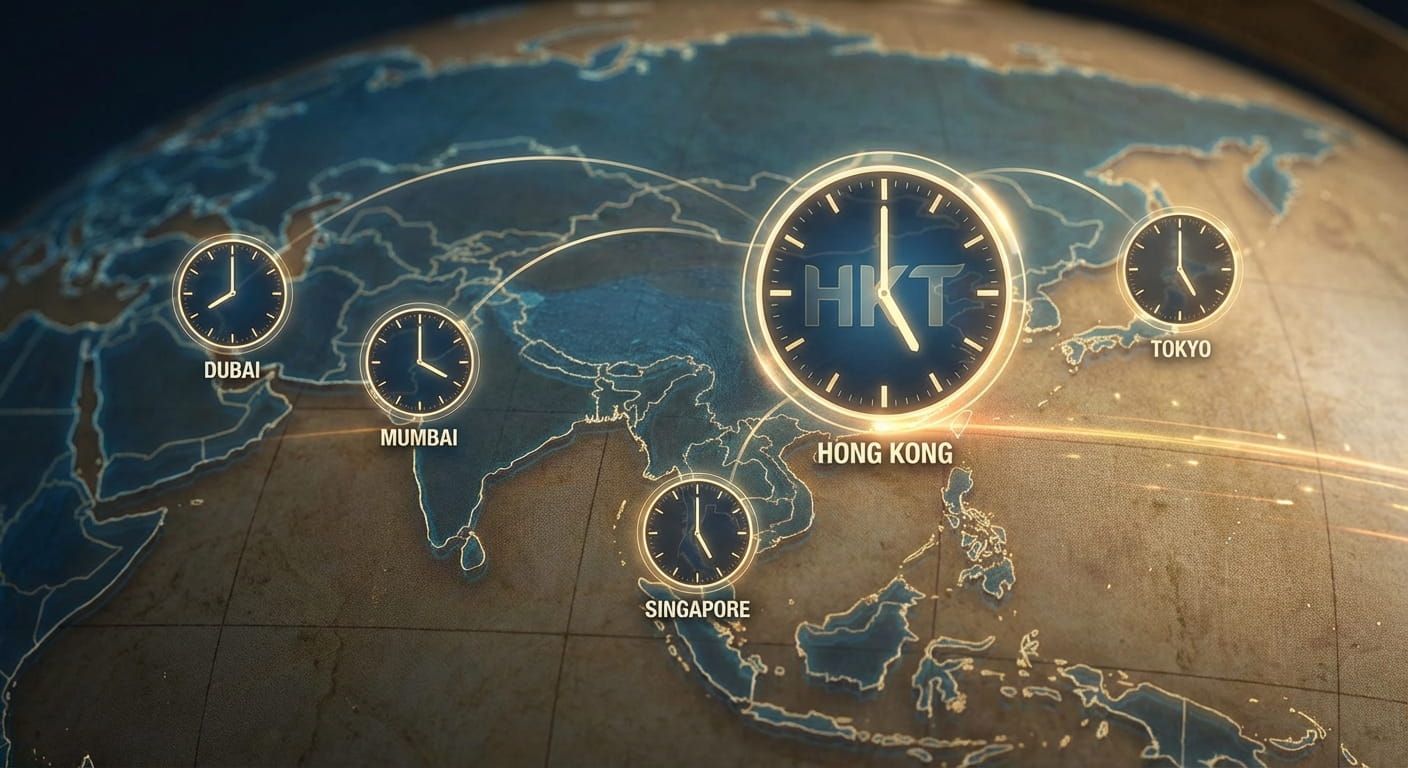
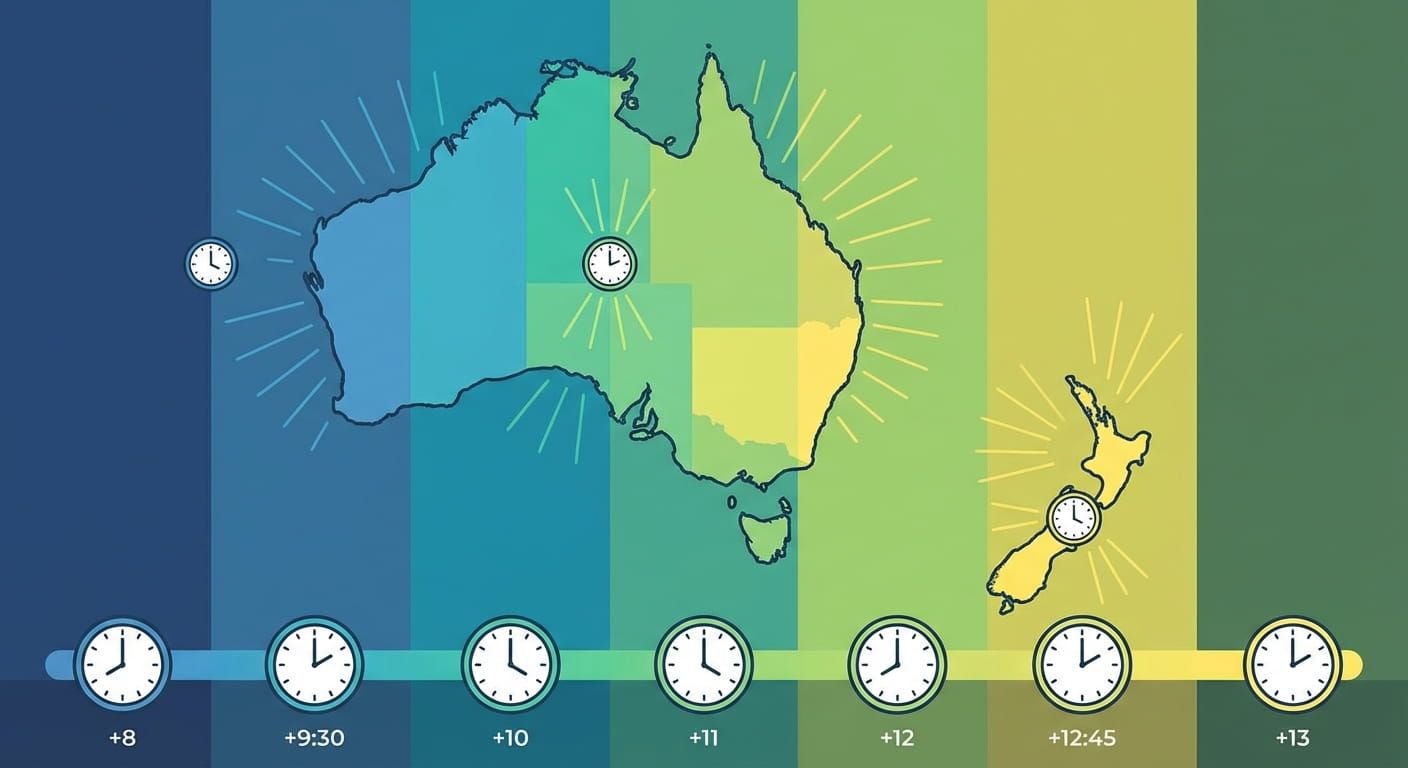
Singapore often uses SGT and aligns closely with Hong Kong time, which is frequently labeled HKT. Japan is commonly JST. Korea is commonly KST. Australia can shift between AEST and AEDT depending on state and season, and South Australia uses ACDT and ACST. New Zealand uses NZST and NZDT. In North America, EST, EDT, CST, CDT, MST, MDT, PST, and PDT show up constantly in invites.
When a teammate in Hong Kong says, "Let us meet at 16:00 HKT," you can confirm the rules on HKT. If your Sydney team is involved, it helps to know whether you are aligning with standard or daylight time, and AEST is a clean reference point when it is not daylight season.
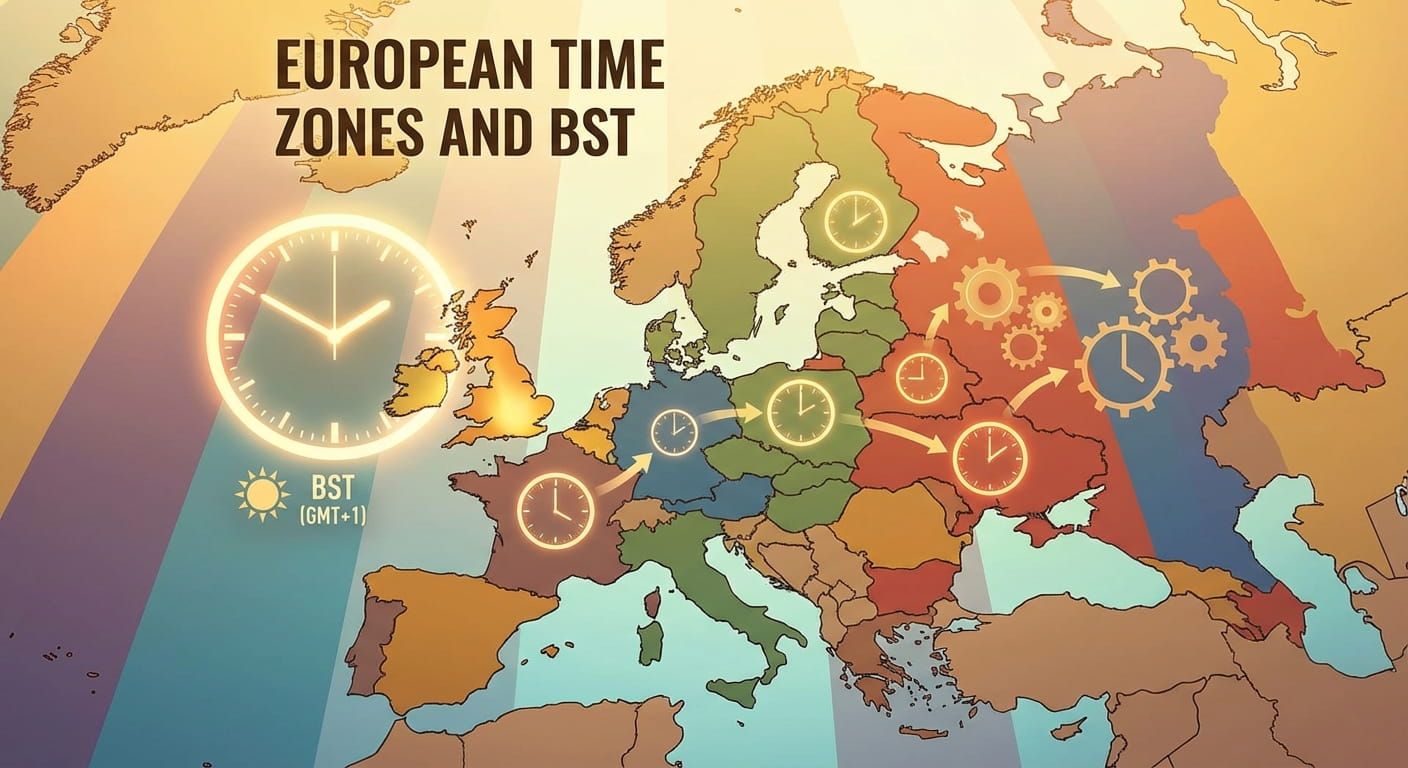
For teams with London in the mix, the label matters more than people expect. UK invites often move between GMT and BST depending on the season, and BST is worth checking before you lock the slot.
Daylight saving time is the silent meeting breaker
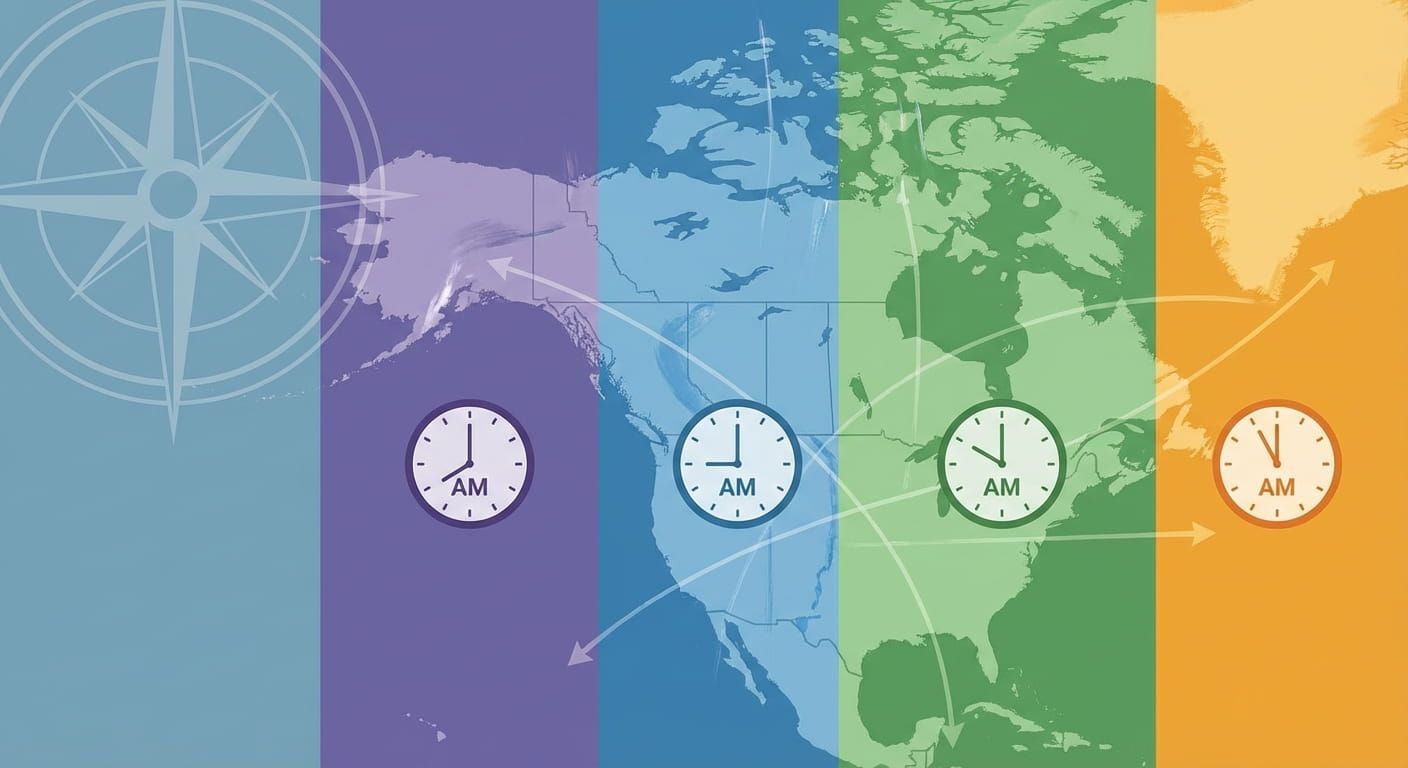
DST rules change by region, and they can change by law. That is why global planning tools matter. A time zone can stay steady in Singapore while shifting in London, New York, or parts of Australia. You will also run into mismatched dates. A Monday morning meeting in Auckland might still be Sunday afternoon in Los Angeles.
- State the city and the time zone label, not only the number.
- Include UTC in the invite text for cross checking.
- Recheck the slot when your meeting crosses March, April, September, October, or November.
- Watch Australia and New Zealand carefully if you work with Sydney, Melbourne, Adelaide, and Auckland.
A simple workflow that keeps meetings fair and accurate
Here is a routine that works for a team spread across Singapore, Hong Kong, Tokyo, Seoul, Sydney, Auckland, London, Paris, Berlin, Johannesburg, New York, and Los Angeles. It takes minutes, and it prevents the most common errors.
- Pick the host city for the meeting. Choose the city where the meeting is anchored, often where the organizer sits, for example Singapore or London.
- Set a shared reference time. Add a UTC time line in the invite description. It acts as the truth when calendars disagree.
- Check overlap windows before you pick a slot. Use the overlap planner to see what is humane for Auckland and Los Angeles at the same time.
- Convert and confirm. Convert the chosen slot into each critical region and scan for date flips, especially across the Pacific.
- Label the invite clearly. Include city names, time zone labels, and the UTC line. People will trust the invite more.
- Rotate the pain. If a weekly sync lands late for Sydney one month, shift it the next month so London shares the load.
A planning table that makes time visible at a glance
This table shows how a single UTC anchor can map cleanly across common meeting hubs. Use it as a pattern, then adapt it to your team. If a row seems off in your calendar, recheck DST rules for that date.
How to choose the right tool for each meeting type
Not every meeting needs the same setup. A weekly team sync needs fairness. A customer call needs certainty and strong labeling. A global incident call needs speed above everything else.
- Weekly team sync: start with overlap windows, then rotate the time across regions month to month.
- Customer meetings: convert from the customer city, state the time zone label in plain text, and add UTC in the description.
- Training sessions: use a world clock view to avoid accidentally booking lunch hours in Singapore or late night in London.
- Live operations: announce times in UTC, then provide a few local conversions for the busiest hubs.
Time zone abbreviations can be ambiguous
Abbreviations are convenient, but some repeat across countries. CST is a classic example because it can refer to different standards depending on region. If your team spans the United States and China, you can avoid confusion by naming the city, then the abbreviation. If you want a helpful reference, the guide on world time zone abbreviations is handy during planning.
If your meetings touch Asia regularly, having a crisp handle on the Hong Kong and nearby region is useful, and this overview of Asian time zones HKT fits naturally into a scheduling playbook.
Real examples you can copy into invites
Clear invites reduce back and forth messages. They also reduce no shows. Here are examples that work well for teams spread across major hubs.
Time: 16:30 Singapore time, 17:30 Hong Kong time, 18:30 Tokyo time
Shared reference: 08:30 UTC
Notes: Please join five minutes early for audio check
Time: 10:00 BST, 11:00 Paris time, 18:00 Singapore time
Shared reference: 09:00 UTC
Notes: Time label includes BST to avoid seasonal confusion
Tools that help with regions you meet often
Some teams are clustered in a few regions. A product team might be split across Singapore, Sydney, and Auckland. A sales team might be split across New York, London, and Berlin. In those cases, region guides save mental load, especially during seasonal changes. This guide on European time zones BST helps with London and nearby hubs. If your team works heavily with Oceania, Australian New Zealand time zones keeps the AEST, AEDT, NZST, and NZDT story straight.
Meeting planning mistakes that show up again and again
These are the patterns that cause most scheduling pain. They are easy to avoid once you name them.
- Writing a time without a city or time zone label.
- Assuming DST shifts happen on the same date everywhere.
- Scheduling a slot that looks fine for you but flips the day for Auckland or Honolulu.
- Using only abbreviations when the team spans regions that reuse them.
- Never rotating, which quietly burns out the same people.
How Time Zones and world time support this planning flow
This article sits inside the broader Time Zones and World Time topic for a reason. Global meeting tools rely on the same foundations: city times, time zone rules, UTC and GMT basics, DST behavior, and conversions. If you want a focused set of converters curated by topic, best international time zone converters can help you choose tools that match your use case. If your team uses time zone pages for clarity, the UTC page is a simple anchor for documentation and invite templates.
A lightweight checklist you can keep in your calendar notes
Copy this into your recurring meeting description and you will prevent most headaches.
- Host city named, plus time zone label included.
- UTC line included as shared reference.
- Overlap window checked for Auckland and Los Angeles if either attends.
- DST check repeated near seasonal change months.
- Rotation plan noted for recurring meetings.
Wrap your meetings around people, not just clocks
Good scheduling feels thoughtful. People notice. Use a world clock to stay aware, a converter to stay correct, and an overlap planner to stay fair. State the host city, include time zone labels, add UTC as the shared reference, and respect DST as a moving rule. With those habits, global meetings stop being stressful, and they start feeling predictable for everyone, from Singapore and Hong Kong to London, New York, Sydney, and Auckland.