Global Time Reference: Index of Countries, Cities, and Regions

Time only feels simple until you try to compare it across the whole planet. A meeting set for 9:00 can mean four different mornings. A flight that lands “tomorrow” can land today, depending on which side of the International Date Line you cross. This page is your Global Time Reference, a human friendly index that helps you move from country, to city, to region, to time zone, without getting lost.
|
Interactive Quiz: Can you read global time like a pro?
|
Mini quiz Pick an answer for each question, then check your score.
|
What this Global Time Reference is for
This pillar page is the index for location based browsing on Time.you. It sits above country hubs, city pages, and region level groupings. The goal is simple: help you find the exact time you need, with enough context to trust it.
People use global time for very real reasons. A student coordinating a group project across continents. A gamer trying to match a tournament start. A parent checking the local time before calling family. A support team setting on call handoffs. A traveler figuring out when a hotel check in becomes “today.” The details matter, because one hour can change everything.
|
Quote “The best time tool does not only show a number. It shows enough location context that you feel calm when you hit send.” |
How Time.you stays precise
Time.you is built around precision. It is an atomic clock synchronized time service that aims to show exact time for any time zone worldwide. That phrase can sound technical, yet the benefit is personal. You get a time display that feels dependable when you are planning something that cannot drift.
Precision also includes clarity. A time stamp without a place is half a promise. That is why the site emphasizes geography: countries, cities, and regions are not decoration. They are the map that makes time usable.
Start broad: countries as your first handle
If you are not sure which city page you need, start with a country. Countries are a natural first step because they match how most people think. You remember “Japan” before you remember the name of a prefecture. You think “Canada” before you remember which province your contact is in.
Country pages also help when a place uses more than one time zone. You might be surprised how common that is. A country can stretch far enough east to west that the sun rises hours apart. The country hub becomes your map to the right sub location.
Here are a few country starting points that show how the browsing flow works:
- Check local time across Japan when you are planning calls with Tokyo business hours in mind.
- Use India as a clean example of one national standard time that many global teams rely on.
- Browse Australia to see why large countries often need a clear internal map of offsets.
- Open Canada when you want a country view that naturally branches into multiple time areas.
- Use Singapore when you want a compact geography where the country and city experience align closely.
Narrow down: cities as the fastest path to the exact time
City pages are the direct answer most of the time. If you are scheduling with one person in one place, a city page is the cleanest reference. It removes guessing, because the city anchors the time zone rules to a concrete spot on Earth.
City pages also shine when a country has multiple time zones. You can skip the country level and jump straight into the city that matters to you.
Examples that show how city pages can act like a shortcut:
- If your teammate is in the Netherlands, checking time in Amsterdam sets a clear baseline for meetings.
- If your plan depends on local offices in Greece, time in Athens is more useful than guessing from the country label.
- If you are coordinating with a developer in Texas, the time in Austin gives you a simple check before you message.
- If you are comparing Oceania mornings, the time in Auckland can anchor your day planning.
- If you are tracking West Africa work hours, the time in Accra gives you a reliable read without extra steps.
Regions and sub regions: the missing middle layer
Some people think in regions more than countries. “West Africa.” “Central Europe.” “Southeast Asia.” Regions are also useful when you are planning coverage. A support lead might set handoffs by region. A logistics team might bucket deliveries by region. A teacher running an online class might group students by region to keep deadlines fair.
This Global Time Reference is meant to be the umbrella for those region oriented paths. A region layer helps you do three things:
- Spot which locations share an offset right now.
- Notice where seasonal clock changes can split a region in practice.
- Move from a broad idea of place to a specific city without losing context.
Time zones in plain language
A time zone is a set of rules that turns a global baseline into a local clock. The baseline most people use is UTC, Coordinated Universal Time. The local clock is usually expressed as an offset from UTC, with the location name handling the messy parts like seasonal changes.
It helps to separate three related ideas:
- Offset: The difference from UTC at a given moment.
- Time zone name: A label that points to a rule set, often tied to a city or region.
- Local time: What the clock shows where you are.
Offsets can change with seasons in some places. Time zone rules can also change when a government updates policy. That is one reason a live time service matters.
Daylight saving time without the headache
Seasonal clock changes can make scheduling feel unfair. One place shifts clocks, another does not. Then a meeting that used to be easy becomes confusing for a few weeks. The simplest habit is to treat seasonal changes as location specific rules, not as a global event.
Here is a practical way to think about it:
- A city can change its offset during certain parts of the year.
- Another city in the same region might stay fixed.
- The difference between the two cities can shift by one hour even when neither person moved.
That is why this pillar page prioritizes location first. Time is never just a number. It is a number plus a place.
Turn browsing into a system
| Reference layer | What you get | Best moment to use it | What to verify |
| Country | A broad map of time behavior inside a national boundary | You know the country, not the city | Whether the country uses more than one offset |
| City | The exact local time people live by in that place | You are scheduling with a specific location | Seasonal clock changes and current offset |
| Region | A cluster view that helps compare places side by side | You are planning coverage or grouping users | Where the region splits by rule sets |
| Time zone rule set | The rule book behind the clock, including seasonal shifts | You need long term schedule stability | Rule changes, offset at the date you care about |
How to use this index in real life
This hub is meant to reduce mental load. You should be able to answer common questions in seconds, without feeling like you are doing math homework.
- Start with the person. Where are they, really? Country is fine, city is better.
- Open that location. Confirm the local time shown right now.
- Check the current offset. This protects you during seasonal clock changes.
- Write the meeting time with the city name. A time with a place attached is harder to misread.
- Compare to your own time. Convert once, then keep the city as the source of truth.
If you follow that system, you avoid most scheduling mistakes. It also makes communication kinder. People feel respected when you reference their local time instead of forcing them to translate yours.
Common tasks this hub supports
Time browsing is not only for meetings. Location based time shows up everywhere. Here are common tasks people solve with this hub:
- Planning calls across teams and classrooms
- Setting support hours and handoffs between regions
- Following sports, streams, launches, and live events
- Managing travel arrivals and hotel check in timing
- Coordinating shipping cutoffs and delivery windows
- Avoiding late night messages to friends and family
People make the same time mistakes, here is how to avoid them
Most time errors come from assumptions. The fix is not more math. The fix is better habits.
|
Quote “If you ever feel unsure, anchor the time to a city. The city carries the rules.” |
Here are mistakes that show up again and again:
- Assuming a country is one time zone. Many countries are not.
- Assuming seasonal clock changes are universal. They vary by location and policy.
- Using abbreviations alone. Some abbreviations overlap or are used differently in different places.
- Scheduling by “morning” or “evening.” Words are fuzzy, clocks are not.
A country and city index solves these because it keeps you grounded. You are not reasoning in the abstract. You are checking a real place.
How the index is organized on Time.you
This hub supports two main browsing paths.
- Country path: Choose a country, then narrow into cities and internal time areas where needed.
- City path: Jump straight into a city page when you already know the location.
Both paths are valid. One is not better. They are simply different starting points for different moods and needs.
Choosing between a country and a city
If you are wondering which to use, this rule works well: use a country when you are still searching, use a city when you are ready to act.
Examples:
- You are planning a trip across multiple stops in one country, start at the country level.
- You have one call with one person in one place, use the city level.
- You are building a schedule for a whole region, use the region view if available, then confirm the cities.
How to talk about time clearly when texting or emailing
Clarity in time talk prevents awkward follow ups. Here are patterns that work well in everyday messages:
- “Let us meet at 10:00 in Amsterdam time.”
- “I can do 14:00 in Singapore, what does that look like for you?”
- “Please confirm local time in Athens before we lock this.”
Notice what these sentences do. They attach the time to a place. That one small habit removes ambiguity.
Ten situations where a global time index saves your day
- Remote school projects: Deadlines feel fair when everyone checks the same local time reference.
- Family calls: No one gets woken up by accident.
- Gaming events: Start times become consistent, even when players span continents.
- Live streams: You can show up on time without guessing conversions.
- Travel days: You stop mixing departure and arrival “days.”
- Shipping cutoffs: A cutoff at 17:00 makes sense only with a location attached.
- Customer support: Handovers work better when the clock reference is shared.
- Workouts with friends: You match schedules without back and forth.
- Online communities: Weekly hangouts become easier to keep consistent.
- Event tickets: A city based reference protects you from timezone surprises.
Geography details that change how time behaves
Geography shapes time in ways that are easy to forget. Here are a few that matter in everyday planning:
- Longitude: Time zones exist because the Earth rotates, and the sun reaches different longitudes at different moments.
- Country size: Wider countries often need multiple time areas to match daylight patterns.
- Islands: Island chains can create neat time boundaries, yet they can also create exceptions.
- Policy: Borders and governments can override what geography alone would suggest.
This is why a global index is not just a list of places. It is a guide to how time behaves across places.
How to compare two locations without getting lost
Comparing two locations is easier when you lock one place as your anchor. Choose the place that matters to the event, then convert for the other person.
Example mindset: If a webinar is hosted in Amsterdam, treat Amsterdam as the source time. If a friend in Accra wants to join, convert once for them, then keep Amsterdam time as the reference in the event details.
This avoids a common trap: converting back and forth until you are no longer sure which time is real.
Making peace with the International Date Line
The International Date Line is where “today” can flip into “tomorrow” even when the clock difference is not huge. It can feel odd, yet it is predictable once you accept that dates are also location based.
A good habit is to always include the day of week when a plan crosses big time differences. “Tuesday 19:00 in Auckland” is clearer than “19:00.” A city page helps here because it ties both the time and the date to the same location context.
Terms you will see on time pages
This hub is meant to feel friendly, yet time language can still show up. Here is a plain guide to common terms:
- Local time: The time shown by clocks in that place right now.
- UTC: A global reference baseline used to compare time worldwide.
- Offset: How far local time is from UTC at this moment.
- Standard time: The usual clock rule, outside seasonal shifts where they exist.
- Seasonal shift: A clock change used by some places during parts of the year.
Building schedules that survive seasonal clock changes
If you manage a recurring meeting, seasonal changes can cause pain. The best approach is to schedule around a specific city and let everyone else adapt. That may sound strict, yet it is kinder in the long run because it reduces confusion.
A second approach is to schedule in UTC and convert for every session. That works well for global communities. The tradeoff is that the local time may drift across the year for some participants.
The right choice depends on what you value more: stable local time for one group, or stable global reference for everyone.
Using this hub for travel planning
Travel time is full of small traps. A flight confirmation might use the departure city time for the takeoff and the arrival city time for landing. Hotel booking messages might arrive in your own local time even though the property runs on its local time. Rental car pickups can be missed because you thought “noon” was your noon, not theirs.
Here is a simple travel routine:
- Check the city time for where you are leaving from.
- Check the city time for where you are landing.
- Write down both times with city names in your notes.
- On travel day, recheck both city pages before you leave.
This routine feels calm because you are not relying on memory. You are relying on the place based reference.
Using this hub for work and school
Global time affects everyday work more than people expect. Deadlines, handoffs, and response time targets can feel unfair when they are written from one location’s perspective. A location based hub helps teams write agreements that respect time differences.
Examples of agreements that become clearer with city references:
- “Support coverage is 09:00 to 17:00 in Singapore on weekdays.”
- “Weekly sync is 16:00 in Amsterdam, attendance optional for Auckland when it falls outside waking hours.”
- “Assignments due Friday 18:00 in Accra, students may submit earlier based on their local time.”
When a country page is the smarter choice
Country pages are especially useful in three scenarios:
- You know the country, not the city. You want to browse major locations inside it.
- You suspect multiple time zones. You want to confirm which areas differ.
- You are comparing internal regions. You want a top view first, then drill down.
This is why the country index sits near the top of the location browsing experience. It mirrors how most people think.
When a city page is the smarter choice
City pages win when speed matters. You are not researching. You are acting. You are about to send a message, book a call, join a stream, or leave for the airport.
City pages also help when a country has special cases. A city based view reduces the chance you pick the wrong national assumption.
How to use the hub if you are building programmatic location pages
This pillar article also acts as an umbrella for programmatic browsing. If you are landing here from a city or country page, this is the place to understand the structure: country hubs, city pages, and region grouping concepts that help users move across the world without confusion.
A programmatic page still needs a human centered flow. People want to answer one question: “What time is it there?” After that, they want useful context: the offset, the day, and any seasonal rule differences that might change the answer later.
FAQ that people actually ask
Is UTC the same as GMT?
UTC is the modern global time reference used for precise coordination. GMT is a time standard name that often appears in everyday speech. In many everyday situations they line up closely, yet they are not identical concepts. If you need a clean scheduling baseline, UTC is the safer reference.
Why does the offset sometimes change during the year?
Some places adjust clocks seasonally. When that happens, the local offset from UTC can shift, often by one hour.
Can two cities near each other have different times?
Yes. Borders and policy can create sharp transitions, even when geography is close.
What should I write when scheduling?
Write the time plus the city name. That habit reduces confusion more than any other trick.
A simple mental model for global time
Here is the model that keeps things clear without heavy math:
- UTC is the baseline.
- A location applies rules to UTC.
- Those rules produce local time and date.
- Country and city pages are shortcuts to the right rules.
Once you accept that time is rules plus place, the whole topic gets calmer.
Using this hub as your personal index
Many people return to the same few places again and again. A friend’s city. A company headquarters. A school campus. A family home country. This hub is built for that repeat pattern. Start with the locations you care about, then use city pages for daily checks and country pages for broader browsing.
If you keep one habit, keep this one: confirm the place before you trust the time. That is what makes a time reference feel solid.
The closing note that ties time back to place
Global time is not just about clocks. It is about respecting distance, routines, and the small realities of daily life in other places. A country, a city, a region, they are the handles that make time usable. Use this Global Time Reference whenever you need to ground a plan in a real location, then let Time.you do what it does best: show the exact time with the context that helps you act with confidence.
More Geography & Locations (City/Country Hub) Related Articles:

Global Regions and Geographic Classifications
Maps are more than lines on paper. They are shortcuts for how we talk about people, place, culture, trade, travel, weather, and time. The tric...
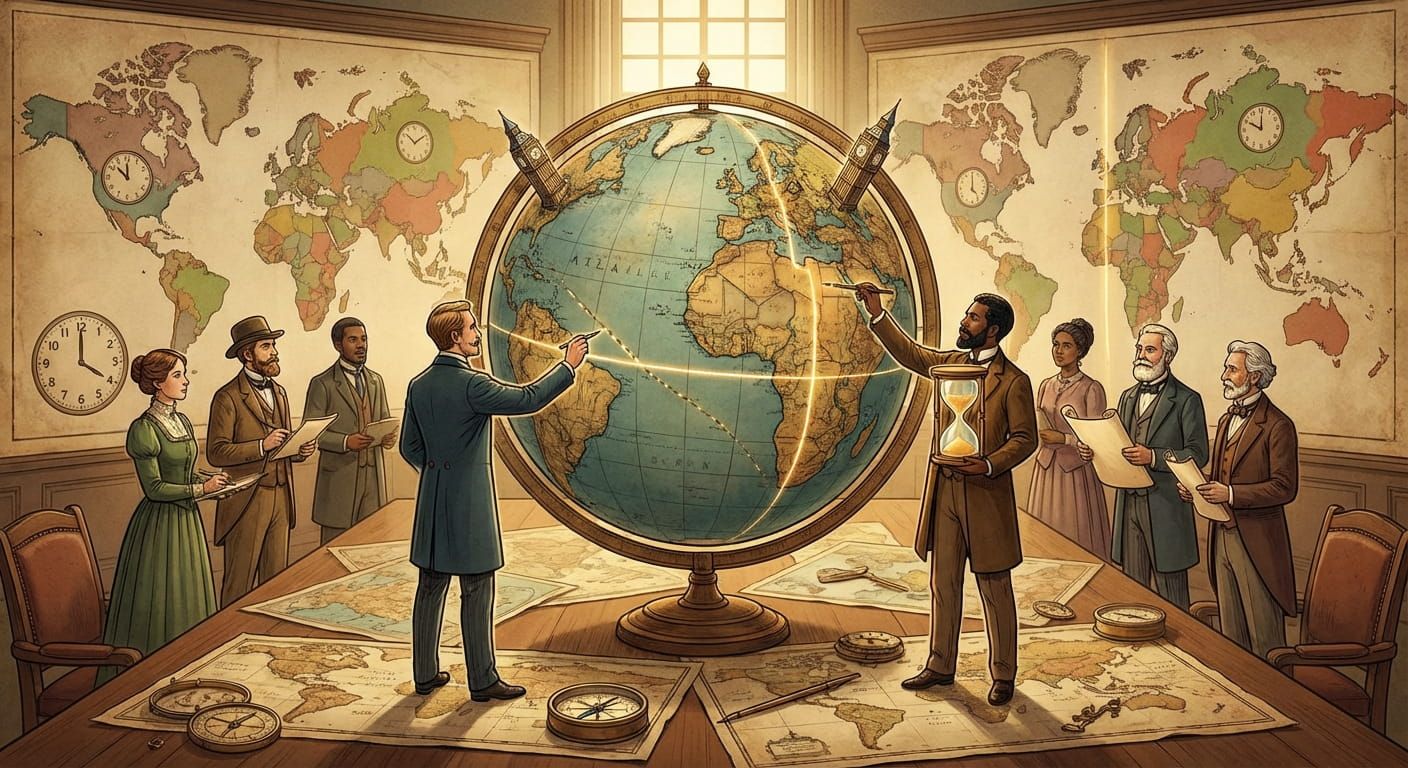
How Nations Set National Boundaries and Time
A border can be a river you can see, a line you only feel on a map, o...
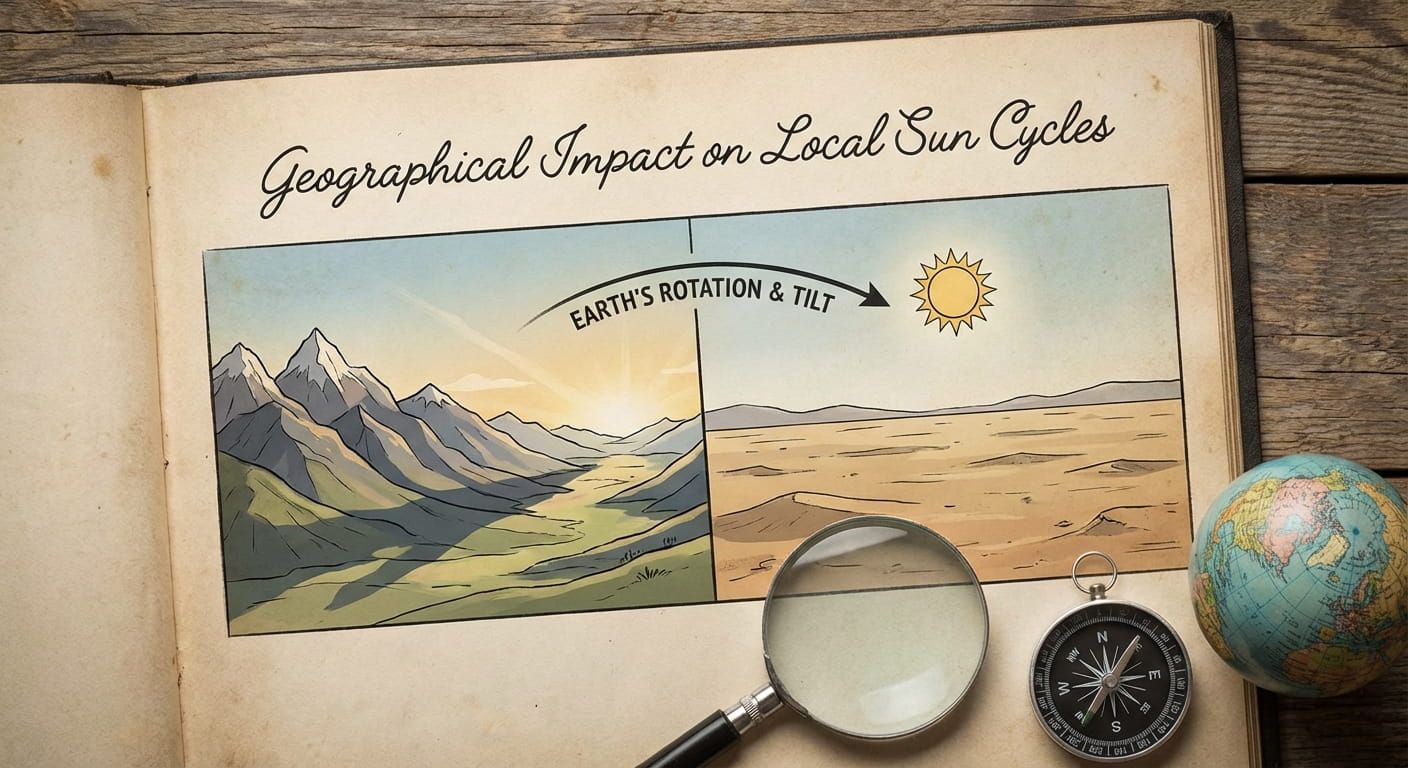
Geographical Impact on Local Sun Cycles
Stand on a beach at sunset and you can feel time changing. Not your watch, the light. In one place the sky takes its time fading, in another it fli...

Strategic Importance of Major Global City Hubs
Global city hubs are places where time turns into decisions. A trading de...

Political Geography and National Borders
Lines on a map look clean until you live near one. Borders shape who votes, who pays taxes, which phone network you connect to, wh...

International Date Line and Remote Territories
You can fly for hours across the Pacific, cross an invisible line on the map, and suddenly your calendar flips. The sun does not change its sc...

Regional Differences in Global Daylight Patterns
Stand on a beach in Ecuador at sunset and it feels almost predictable. Visit northern Norway in summer and the idea of bedtime can feel optional. T...

Geographic Coordinates and Local Reference Points
Geographic coordinates feel abstract until you need them to answer a simple question, what time is it there, right now, in that ex...
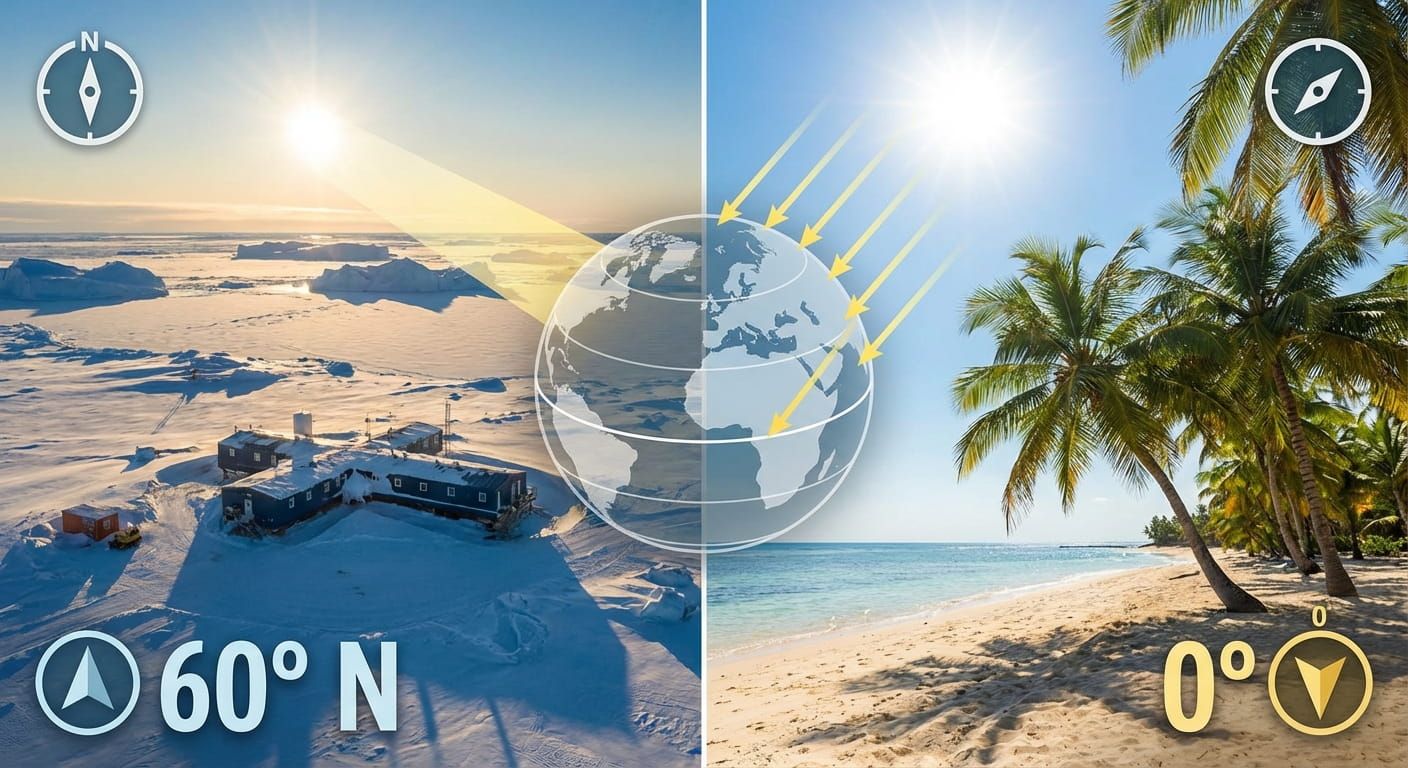
The Relationship Between Latitude and Local Sunlight
Latitude quietly shapes your day. It decides how high the Sun climbs, how long it hangs around, and how fast daylight changes across the seasons. T...