Your Guide to Using Timers, Alarms, Calculators, and Time Conversion Tools
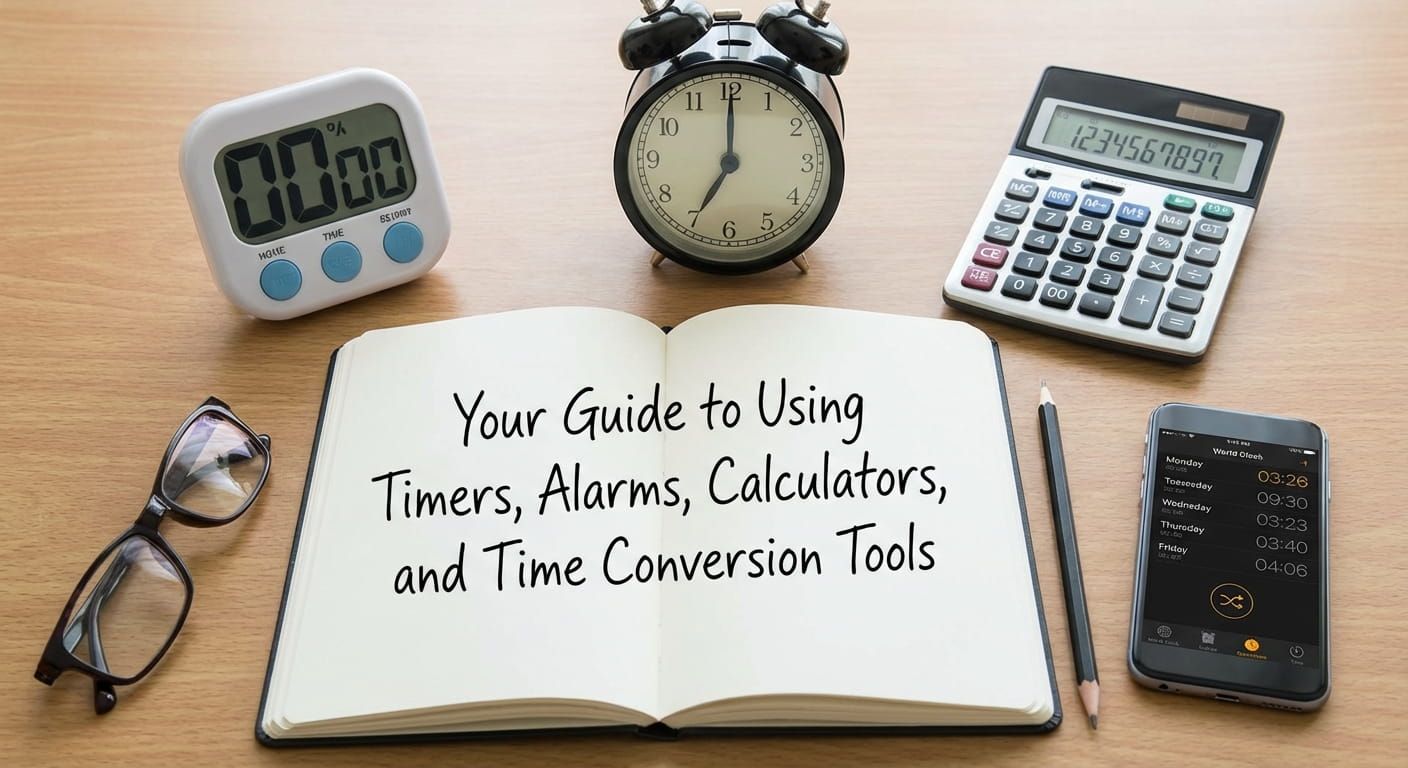
Time slips away in ordinary moments. A snack break runs long. A meeting invite lands at the wrong local hour. A boiling pot gets ignored. A workout interval drifts. None of that is about willpower. It is about having the right time tool ready, and using it with a simple method. This pillar guide walks through timers, alarms, stopwatches, countdowns, duration math, add or subtract time, and Unix time conversions. It also shows how to combine tools without creating noise. Time.you supports these routines with atomic clock synchronized time worldwide, plus focused pages that keep time tasks clean and readable.
<div style="margin:18px 0 0; padding:18px 18px; border-radius:18px; background:linear-gradient(135deg,#0b1b33 0%, #102a4f 55%, #142f57 100%); box-shadow:0 18px 40px rgba(15,23,42,0.18); border:1px solid rgba(255,255,255,0.10);">
  <div style="display:flex; align-items:center; gap:12px; margin-bottom:10px;">
    <svg width="30" height="30" viewBox="0 0 24 24" aria-hidden="true">
      <path fill="#e2e8f0" d="M12 2a10 10 0 1 0 10 10A10.012 10.012 0 0 0 12 2Zm1 11H7V7h2v4h4Z"></path>
    </svg>
    <strong style="font-size:1.05rem; color:#e2e8f0; letter-spacing:0.02em;">Key takeaway</strong>
  </div>
  <p style="margin:0; color:#cbd5e1; line-height:1.75;">
    Timers handle durations. Alarms protect clock moments. Stopwatches measure what actually happened. Countdowns track time remaining until a future date.
    Time calculators do the math for duration, add or subtract time, and planning across midnight. Unix tools translate technical timestamps into readable dates.
    Label alerts, keep repeats tidy, and rely on one trusted reference clock. With Time.you, your time checks stay consistent across time zones and cities.
  </p>
</div>
A Quiz To Warm Up Your Time Brain
How Time Tools Turn Stress Into A Plan
A good time tool does one job well. That sounds obvious, yet many daily frustrations come from using the wrong tool for the job. A timer is used like an alarm, then it fails because it does not repeat. An alarm is used like a timer, then it rings at the wrong moment because a task took longer. A stopwatch is ignored even though it could reveal patterns. A countdown is created without the correct location, then it shows the wrong remaining time. A calculator is skipped, then time math is done in your head, then the schedule drifts.
Quote to keep
The goal is not to track every second. The goal is to reduce guessing, protect commitments, and make the day feel predictable.
Time.you is helpful here because it is built around accurate time across locations. If your reference time is wrong, every plan built on top of it inherits the error. A consistent reference makes your alarms, timers, conversions, and calculations feel stable. That stability is the foundation for the rest of this guide.
A Map Of Timers, Alarms, Stopwatches, Countdowns, And Calculators
Here is the cleanest way to separate the tools. Each one answers a different question. Once you attach the tool to the question, choosing becomes easy.
| Tool | Best question | Great for | Common trap |
|---|---|---|---|
| Timer | How long until this duration ends | Intervals, cooking steps, focus blocks | Starting it with no label, then forgetting the purpose |
| Alarm | What time should I act | Wake up, leave time, reminders tied to the clock | No repeat rule, then missing it on the busiest day |
| Stopwatch | How long did it take | Training, practice sessions, pacing | Forgetting to stop or reset, then losing the measurement |
| Countdown | How long until a future moment | Trips, exams, launches, events | Wrong location time zone, then wrong remaining time |
| Time calculator | What is the real duration or end time | Add or subtract time, cross midnight, plan buffers | Mixing AM and PM or skipping buffers |
| Unix time tools | When did this system event happen | Logs, APIs, analytics, databases | Confusing seconds and milliseconds |
Keep this table in mind as you read. Each section will give you a practical routine and the most common fixes that prevent mistakes.
Timers That Keep Tasks Contained
A timer is a boundary. It turns a vague task into a defined block. That is why timers work well for focus, rest, and safety. A timer does not care what time it is. It only cares how long the duration is. That single focus is a strength. If you want a dedicated timer screen that stays readable, start a session on timer.
A timer is ideal for these situations
- Cooking steps. Steeping tea, baking, simmering, resting dough.
- Workout intervals. Work and rest cycles where the body needs a clear signal.
- Study blocks. Short sessions that prevent burnout.
- House chores. Ten minutes to clean, then stop on time.
- Focus breaks. A reminder to stand up, drink water, and reset attention.
Labels and meaning
A timer alert without meaning can feel like random noise. Add a label, even a short one. Labels prevent the moment where you hear a sound and wonder what you were supposed to do. If you set multiple timers at once, labels become essential.
Timer habit that sticks
Pair the timer with an action you always do when it ends. Stand up. Write the next step. Turn off the stove. Put the book away. The alert becomes a cue, not a suggestion.
A numbered setup that works for most people
- Pick one task that tends to expand, studying, scrolling, chores, gaming, or practice.
- Choose a duration that feels doable. Ten to twenty five minutes is a strong start.
- Write a one line goal. Keep it concrete and measurable.
- Start the timer and do only that goal until it ends.
- Stop, then choose, another block, a break, or a different task.
Many people fail with timers because they set a duration that is too ambitious, then feel frustrated when they stop early. Smaller blocks build trust. Trust builds repetition. Repetition creates progress.
Alarms That Protect Real Life Moments
An alarm is tied to the clock. It protects a moment that has a specific time. That might be wake up, a class, a call, a medication schedule, leaving for the bus, or stepping into a meeting. The strength of an alarm is clarity. It rings at a time, even if your day is chaotic. Set and manage alarms using alarm if you want a focused place to keep them consistent.
Alarm labels that reduce friction
The best labels tell you what to do next. Keep them short and action based. These examples work because they point to a next step:
- leave house
- pack bag
- start homework
- turn off screens
- medication
Repeat rules and backup alarms
If a reminder matters on weekdays, set it to weekdays. If it matters daily, set it daily. A one time alarm is fine for a one time moment, but a repeating moment needs a repeat rule. Backups help when a moment is truly important. A backup alarm five to ten minutes later can save a day. The backup is not a crutch. It is a safety net for real life.
Small check that prevents missed alarms
Test one important alarm after setting it. Check alert volume and any do not disturb rules. One test now beats one surprise later.
Using alarms without alert fatigue
Too many alarms create noise. Noise teaches your brain to ignore the sound. Keep alarms for moments that matter. Use timers for tasks. Use a calendar for appointments. Keep alarms as the sharp tool, not the constant chatter.
Stopwatches That Show What Really Happened
Stopwatches count up. That makes them perfect for measuring real performance and real behavior. They answer a calm question: how long did it take. That question is powerful because it removes guessing. Start and track sessions with stopwatch when you want a clean, readable display.
Why measuring helps
Many plans fail because the time estimate is based on hope. A stopwatch replaces hope with evidence. Evidence helps you plan buffers, set realistic alarms, and avoid stacking tasks too tightly. It also helps you notice patterns. A task might take longer at night. A warm up might shorten a workout. A short break might increase focus.
Lap timing without pressure
Laps divide a session into pieces. That is useful for intervals, practice runs, or cooking steps. Treat laps as data, not judgment. The point is to learn what changes results, not to punish yourself for a slower lap.
Three everyday places a stopwatch shines
- Practice. Measure focus time during music, sport drills, or language study.
- Cooking experiments. Track how long a simmer takes on your stove, not the one in the recipe.
- Commute reality checks. Time the full routine, shoes to door to arrival, then plan with less stress.
A stopwatch and a timer can work together. Use the stopwatch for measurement, and use a timer for a break boundary. That pairing is helpful during long study sessions, workouts, and tasks that drag.
Countdowns That Keep Future Events Grounded
Countdowns are built for a future moment. They keep anticipation clear and reduce last minute panic. A countdown answers: how much time remains until that date and time. Create and track a target with countdown if you want a focused view that stays readable.
The two details that make countdowns accurate
- Use the correct time zone for the event location. A concert in another city runs on that city time.
- Use the real start time when possible. A day and a time are more reliable than a date alone.
Countdowns as planning tools
A countdown can do more than show remaining time. It can shape a plan. If the countdown is for an exam, build a schedule backward, review topics, then practice sets, then rest the night before. If the countdown is for travel, plan packing and transit steps, then set alarms for each step. If the countdown creates stress, check it once a day instead of all day.
Time Calculators For Duration, Add, And Subtract Without Errors
Time math looks simple until it crosses midnight, spans multiple breaks, or mixes formats. People often lose time in the math itself, not the work. A time calculator reduces that friction. Use time calculator to compute end times, start times, and total durations with confidence.
Common calculations that show up all the time
- End time. Start at 3:40 PM, add 2 hours 35 minutes, find the finish.
- Start time. Need to leave at 8:10 AM, subtract 25 minutes, find when to begin.
- Total duration. From 9:15 AM to 2:05 PM, find total hours and minutes.
- Crossing midnight. From 11:30 PM to 1:10 AM, find the true duration.
A reliable checklist before you commit to a schedule
- Confirm the date, especially when the plan crosses midnight.
- Confirm the time format you are using, 12 hour or 24 hour.
- Confirm the time zone if any person is remote.
- Add buffer time for travel, setup, and a short break.
- Write the final plan in one place, then set alarms or timers from that plan.
Planning tip
Time math is a single point of failure. Do the math once in a calculator, then reuse the result for alarms, timers, and messages.
Duration math also helps with fairness. It supports accurate billing, accurate shift records, accurate study tracking, and realistic expectations. That keeps people aligned and reduces stress.
Time Zone Conversion That Prevents Missed Calls And Missed Flights
Time zones can be confusing because the same clock time can represent different moments. A schedule that lacks a time zone is incomplete information. The most reliable approach is to anchor the plan to one reference time zone, then convert for each person. Military time zone codes can also help when communication needs a compact label, and military time zones offers a clear reference for that system.
Four rules that keep everyone aligned
- Write the time zone next to the time every time you share it.
- Anchor physical events to the local time where they happen.
- Anchor technical events to UTC, then convert for people.
- Confirm the date as well as the time, especially around midnight.
Daylight saving time behavior
Daylight saving time shifts the offset, not the idea of the hour. That means a meeting that looks stable in one place can move in another. The safest habit is to keep the time zone label with the meeting time and verify the conversion close to the date. If you travel, check your device time zone settings after arrival. A single wrong setting can create a chain of wrong alarms.
Message format that avoids confusion
Share two times when it matters, your local time and their local time, each with a clear label. It feels extra, yet it prevents real mistakes.
Unix Time Tools For Logs, Apps, And Technical Work
Unix time is how many systems store time. Instead of a readable date, they store a number that represents seconds since a standard starting point. That makes sorting, comparing, and computing time easier for software. Humans, though, need readability. A converter turns that number into a real date and time. Convert and verify timestamps on unix time when you need to check logs or API data.
Seconds and milliseconds are the biggest trap
Some systems store seconds. Some store milliseconds. Milliseconds look like a much longer number. If a converted time lands decades away from reality, the unit is usually wrong. Divide by 1000 for milliseconds when the tool expects seconds, or multiply by 1000 when the tool expects milliseconds. A simple unit check saves a lot of time.
Where Unix timestamps appear
- server logs and monitoring dashboards
- payment and transaction records
- analytics event streams
- database rows and exports
- message events inside apps
A compact debug routine
Check the unit first, seconds or milliseconds, then confirm the display time zone, then confirm whether the system stores UTC by default, then compare against a known event time. This sequence prevents chasing the wrong explanation.
How To Combine Tools Without Creating Noise
A stable system uses more than one tool, yet each tool has one role. That prevents overlap. The goal is fewer alerts with more meaning. Here are combinations that work well.
Timer plus alarm for boundaries and deadlines
Use a timer for the work block, then use an alarm for the hard stop moment. Example, a forty five minute study timer, plus an alarm that protects dinner time. When the timer ends, you decide what is next. When the alarm rings, you stop. This pairing is excellent for students and busy households.
Stopwatch plus calculator for realistic planning
Measure a few real runs with a stopwatch, then use a calculator to plan the schedule with buffer time. This helps commuting, practice routines, and any task that people usually underestimate.
Countdown plus alarms for step by step execution
A countdown keeps awareness. Alarms create action. Use the countdown for the event, then set alarms for the steps, pack, leave, check in, and one backup. That turns a stressful date into a calm sequence.
Everyday Scenarios And The Best Tool For Each
Use this list as a reference. It is meant to be practical, not theoretical.
- Boiling eggs. Timer for a duration.
- Waking up on weekdays. Alarm with a weekday repeat rule.
- Tracking a run or swim. Stopwatch with laps for splits.
- Counting down to an exam. Countdown with correct event location time zone.
- Planning a work shift. Time calculator for total duration and breaks.
- Reading a server log line. Unix converter for readable time.
- Remote meeting. Anchor one time zone and share conversions, then set an alarm.
- Practice session. Stopwatch to measure focus time, timer for breaks.
- Cooking a full meal. Multiple timers with labels, one per dish.
- Device downtime. Timer to stop a session, backup alarm to enforce the stop.
A Maintainable Time System For School, Work, And Home
A time system should feel light. It should help without taking attention away from life. The structure below is easy to maintain, even during busy weeks. It uses a small number of alarms, a few timers, and occasional calculator checks.
Daily core setup
- one wake alarm, plus one backup wake alarm
- one leave alarm on days you must be somewhere
- one timer pattern for focus blocks
- one timer for breaks that prevents long drifting
Weekly cleanup
Once a week, review your alarms and timers. Remove alerts you no longer need. Adjust the ones that ring too early. A system stays helpful only when it matches your real schedule.
Using milestones without clutter
Some planning is tied to milestones, birthdays, anniversaries, or eligibility dates. If you are checking timelines related to age, the page for age can support those calculations without mixing them into your daily alerts. Keep milestone tools separate from daily tools. That keeps the daily system simple.
Keeping Time Consistent Across A Busy Life
Time tools work best when they feel steady. Use timers for durations, alarms for clock moments, stopwatches for measurement, countdowns for future dates, calculators for the math, and Unix converters for technical timestamps. Label the important alerts. Delete the noisy ones. Add a small buffer. Then rely on a trusted reference time source so your system stays consistent across cities and time zones. With that approach, time stops feeling slippery and starts feeling workable, one clean tool at a time.
More Time Tools & Calculators Related Articles:

How Timers and Stopwatches Improve Focus
Focus is not a personality trait. It is a setup. The simplest setup change is giving your attention a clear start and a clear stop. Timers and stop...
Biological versus Chronological Age Differences
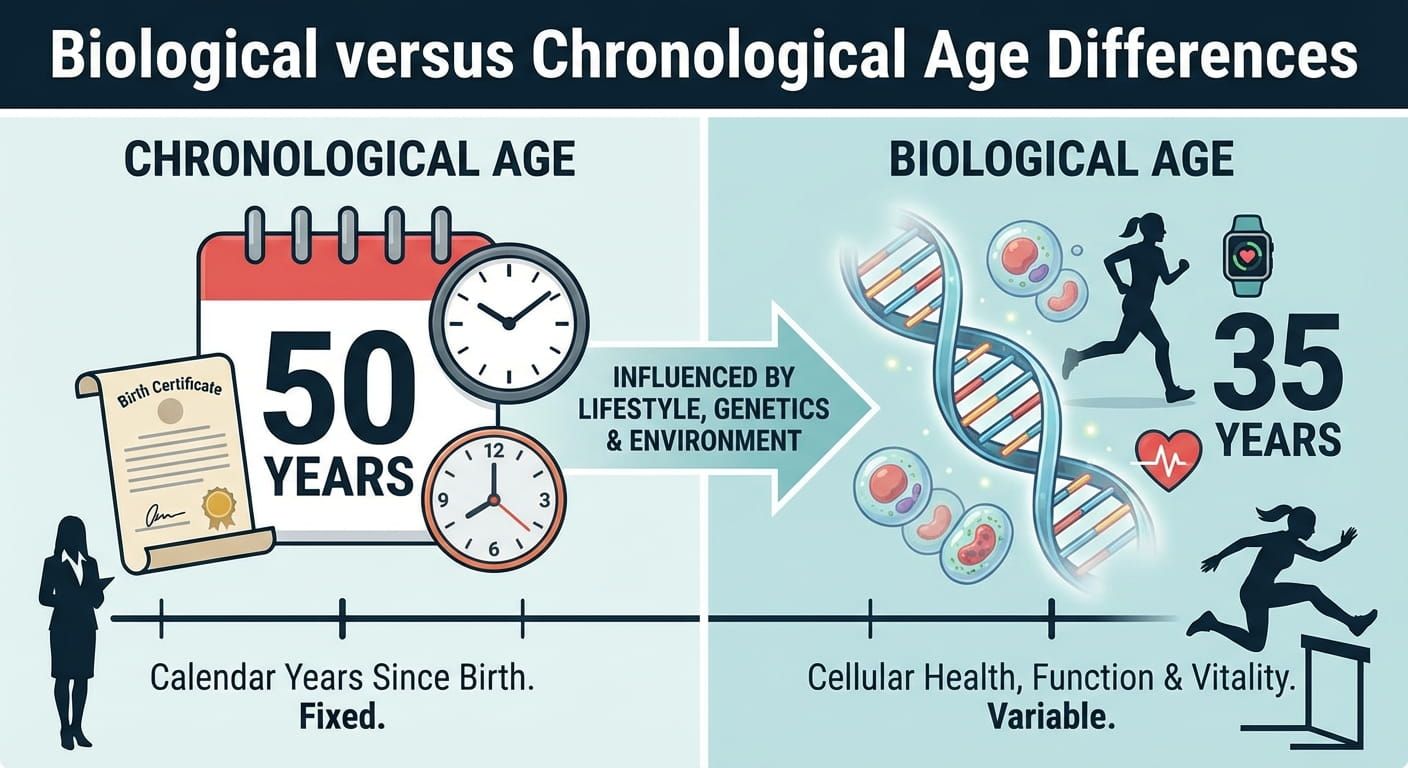
Two people can share the same birthday year and still feel wildly different in energy, recovery, mood, and health. That gap is the heart of biologi...
How to Calculate Dog and Cat Age
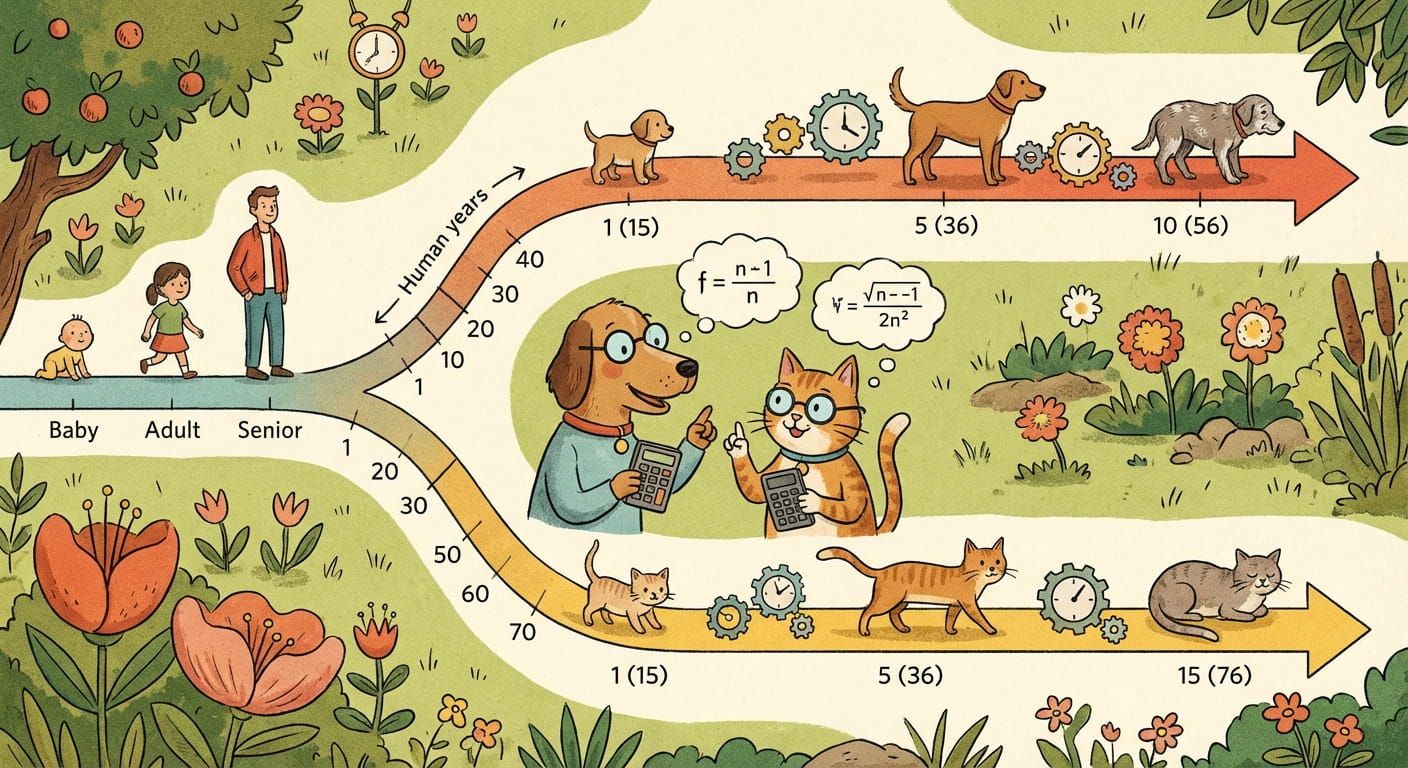
Dog and cat ages do not translate to human years in a straight line. The first months of life are a fast sprint, then the pace ste...

Guide to Retirement and Life Milestones
Retirement is not one date on a calendar. It is a long story made of smaller chapters, first job, first savings goal, family moments, career turns,...
Understanding Gestational and Adjusted Age
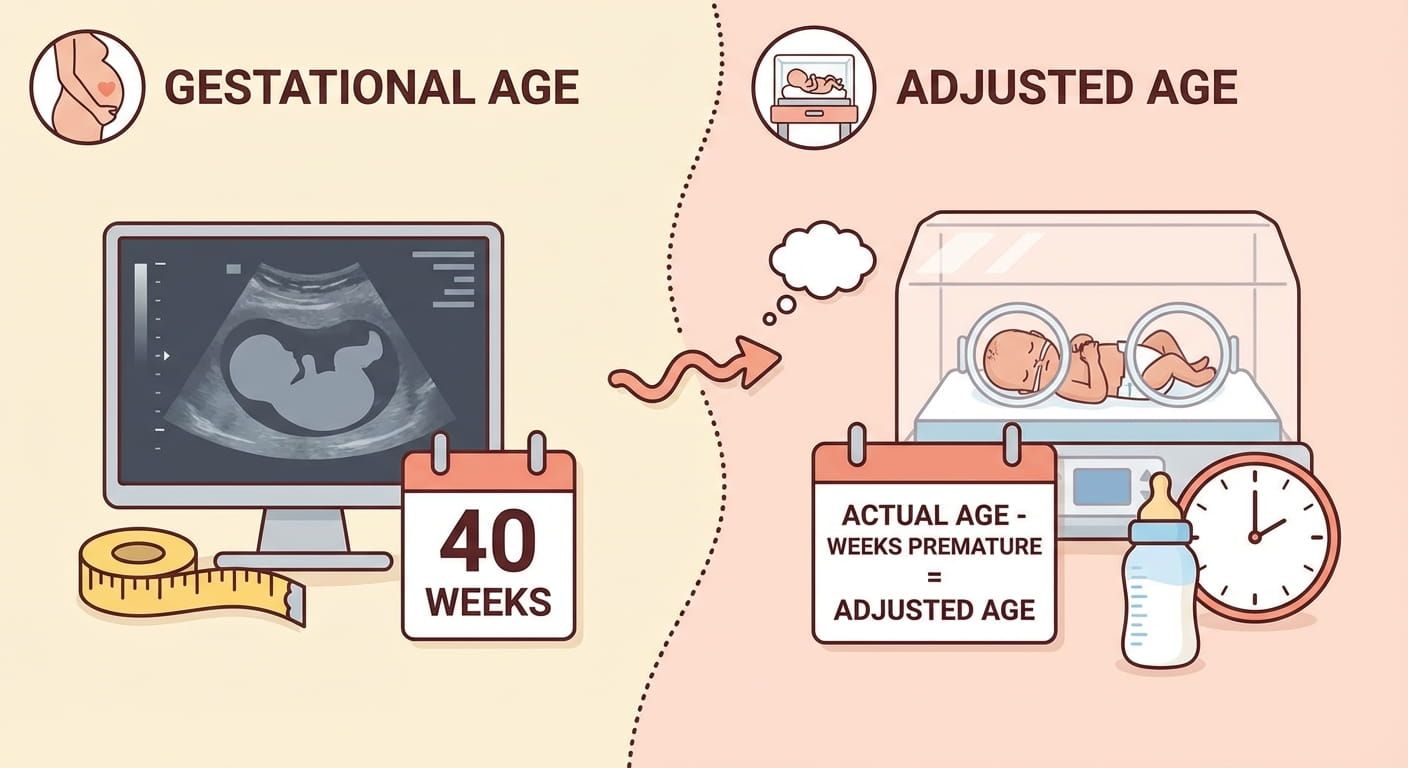
In pregnancy and early infancy, a few days can change a decision, a milestone, or even a parent’s peace of mind. That is why age words matter. Gest...
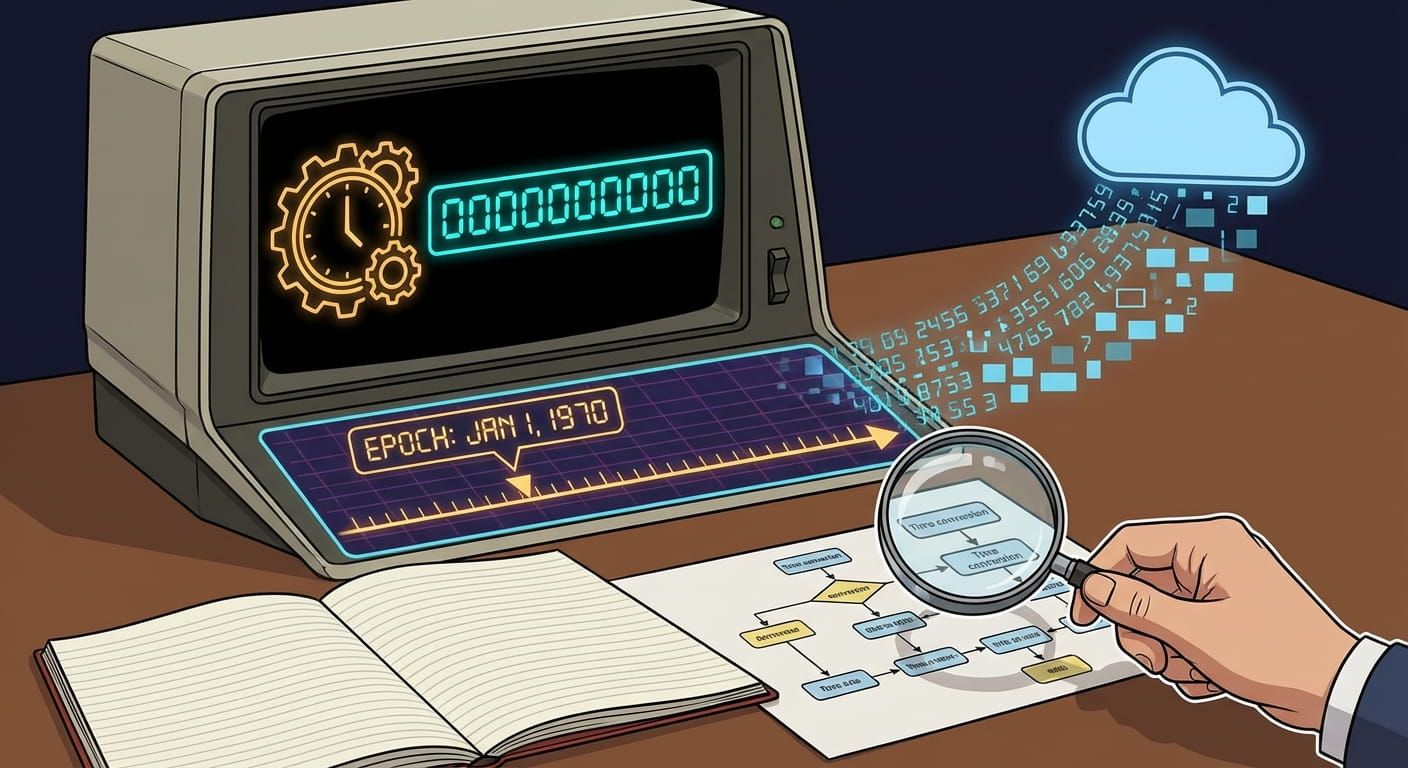
Beginner Guide to Unix Time and Epochs
Beginner Guide to Unix Time and Epochs You can tell a computer the exact moment something happened with a single number. That number trav...
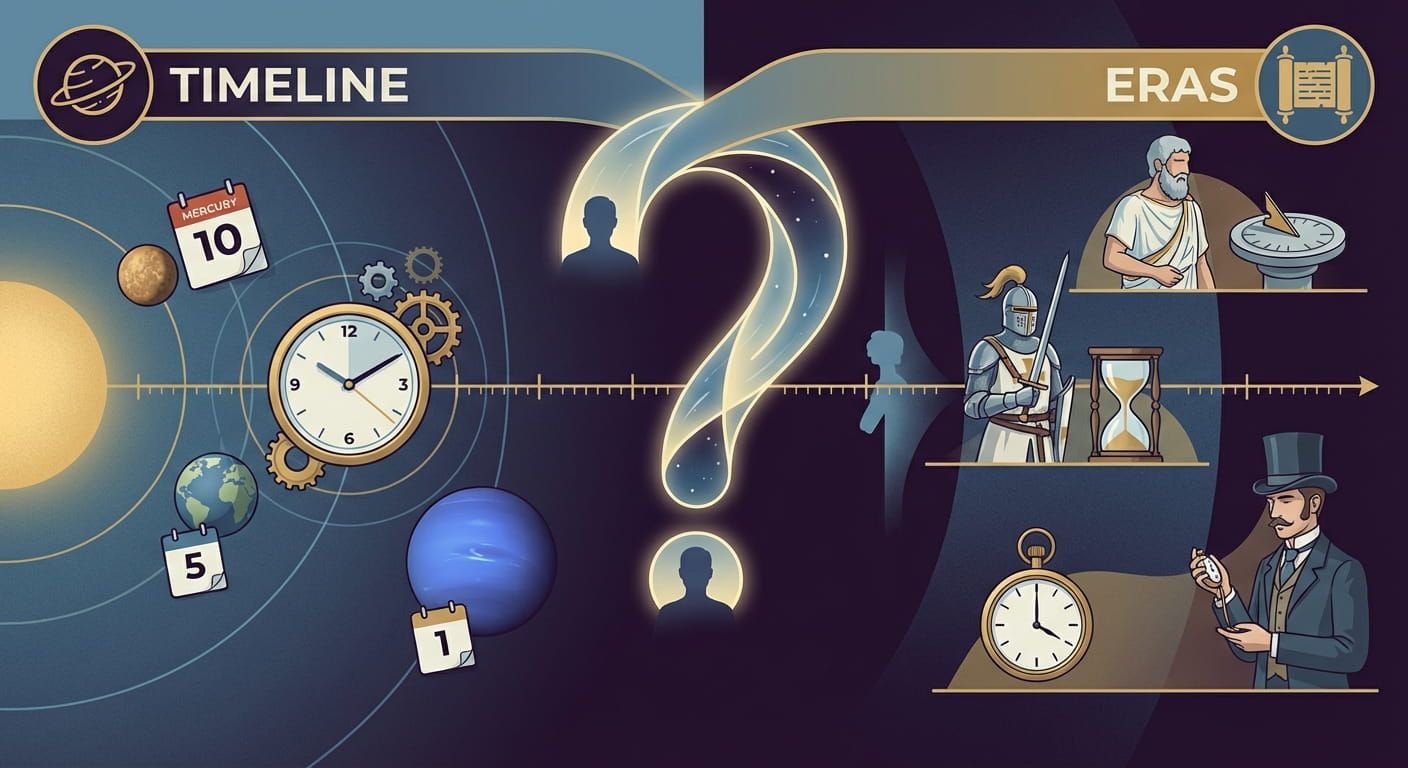
Your Age on Other Planets and in History
You have one age, but you can tell that story in many time systems. Your body counts days. Your paperwork counts years. Astronomers count orbits. ...
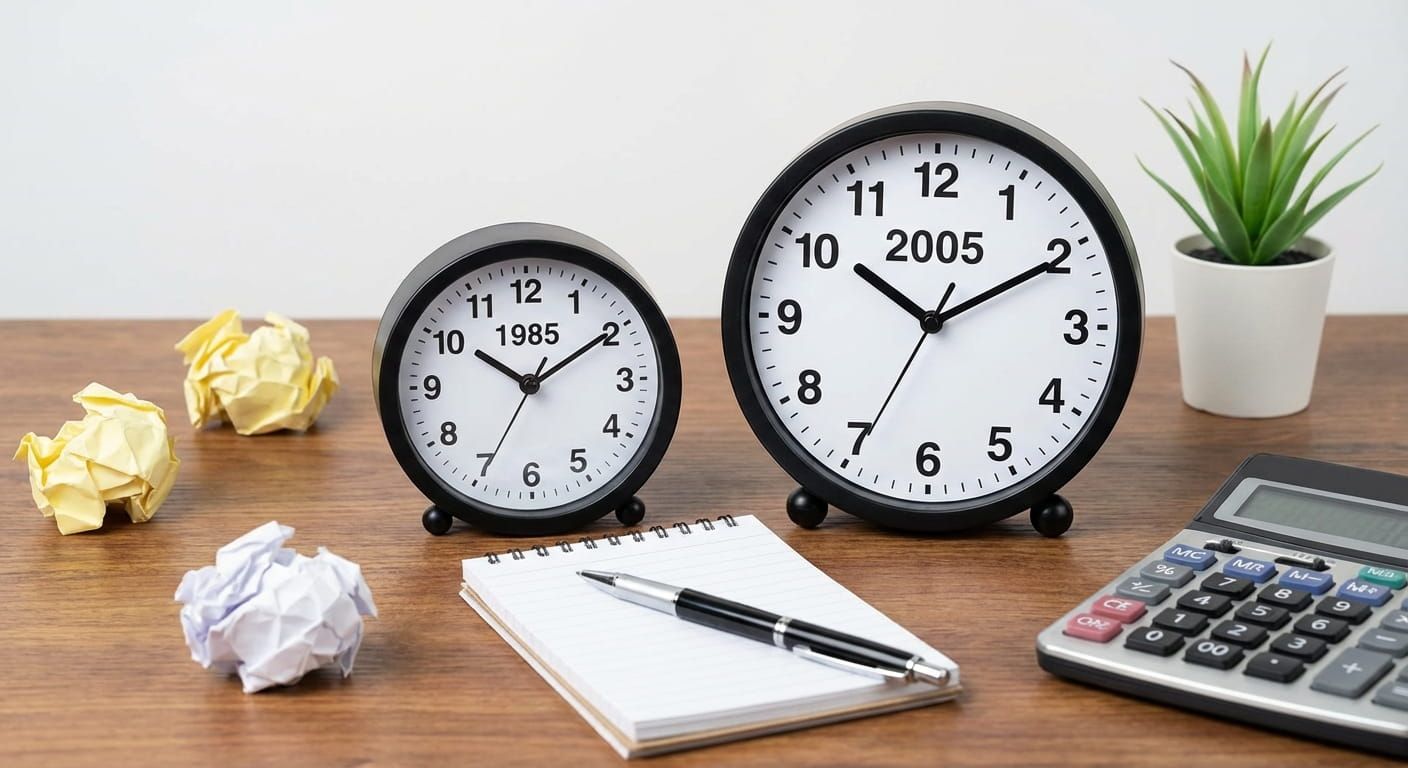
Simple Ways to Calculate Age Gaps
Age gaps come up in real moments, planning birthdays, filling out forms, comparing siblings in school, or settling a friendly debate. The math is s...
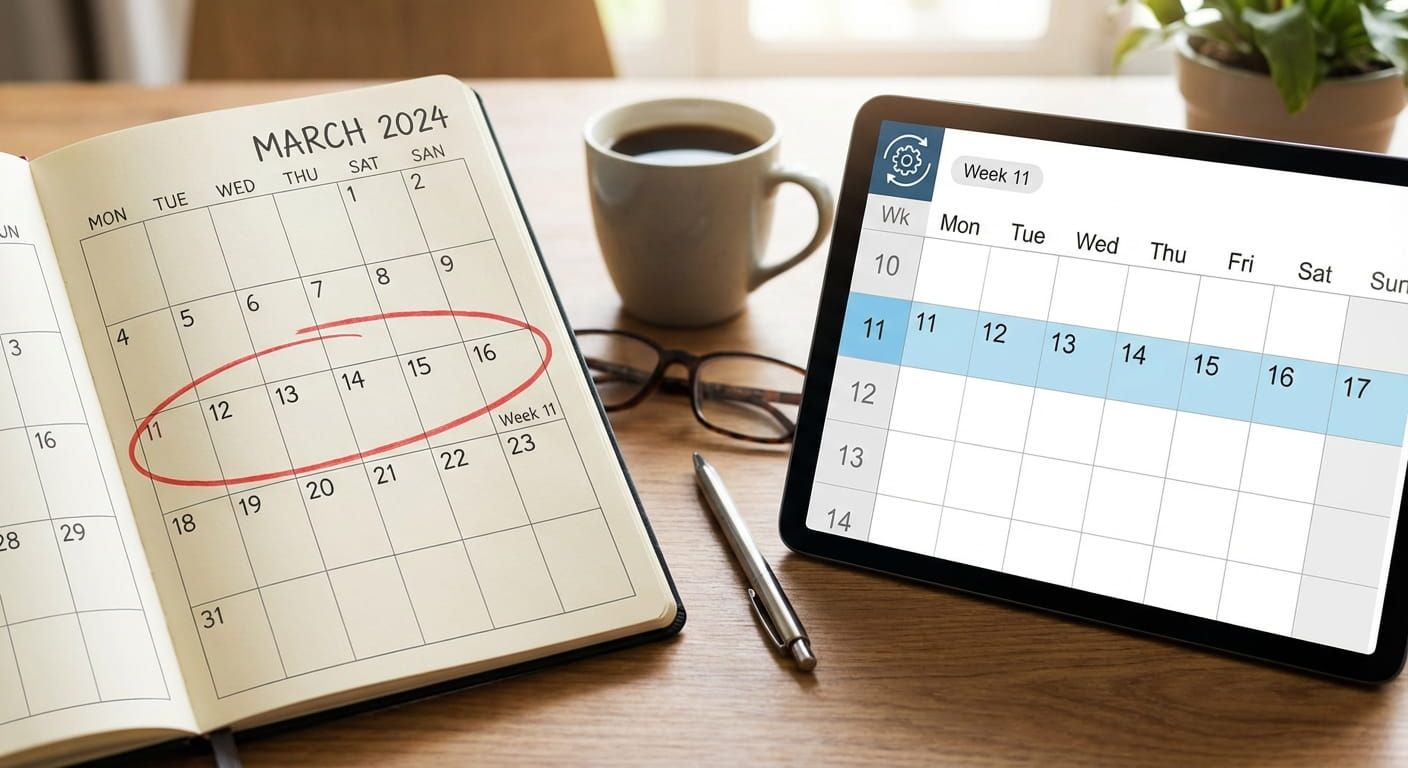
Guide to Week Numbers and Calendar Dates
Week numbers look simple until you try to line them up across different calendars, time zones, and workplace habits. One team says week 1 star...