The Guide to Converting Local Time Between Different Time Zones
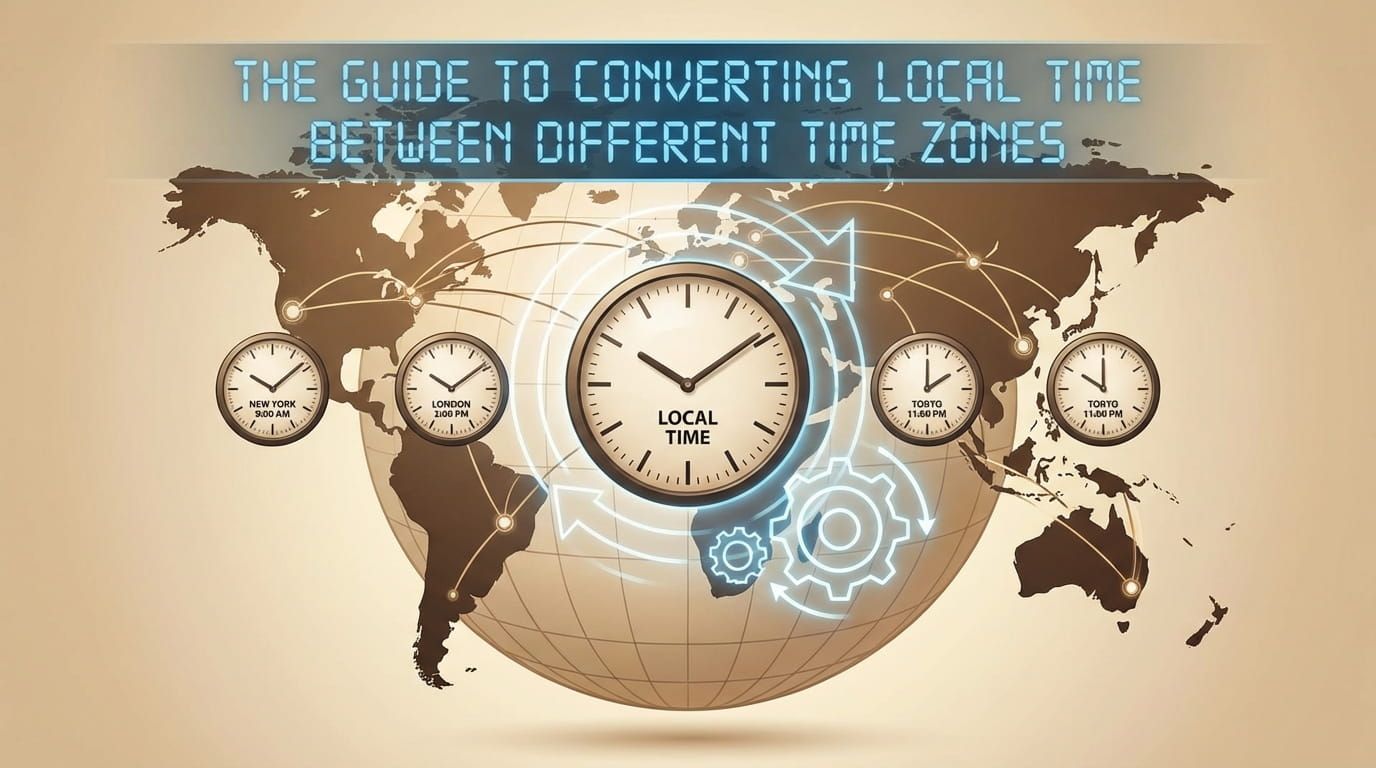
Time conversion mistakes are sneaky. They look small, but they cause missed calls, late arrivals, and awkward apologies. One person says “7 pm,” another person hears “my 7 pm,” and suddenly everyone is waiting. This guide is here to stop that. You will learn how to convert local time between time zones, how to handle UTC and GMT, how daylight saving rules change the math, and how to use city time pages and maps to double check.
To convert local time, anchor the moment to a reference time, then apply the target zone’s offset for that date. Daylight saving changes can shift offsets, so the same cities may differ by an hour in different months. Always include the date, name the zone or city, and verify with a reliable world clock or converter when it matters. These habits prevent most confusion and keep global communication smooth.
Time conversion quiz
Answer these to check your instincts. Your score appears instantly.
What “converting local time” really means
When you convert local time, you are trying to describe the same moment in two different clock systems. The moment does not change. Only the labels do. Think of it like translating a sentence. The meaning stays the same, but the words look different.
This is why accurate conversion needs three things: the local time, the date, and the source and target time zones. Leave out the date and you can be wrong around midnight. Leave out the zones and you are guessing. Leave out daylight saving context and the same conversion can shift by an hour depending on the month.
The simplest mental model: anchor, then convert
Time conversion gets easier when you stop trying to jump directly from one city to another. Use a middle step. Anchor the moment to a shared reference time, then convert to the target zone.
In practice, that shared reference is usually UTC. That is why UTC shows up in aviation, technology logs, and global scheduling. If you want to see UTC in a clean way, UTC is a useful reference page to keep open while you learn.
Step by step conversion method
- Write the local time and date. Example: Tuesday 19:00.
- Name the source zone or city. Example: Pacific time or Los Angeles.
- Find the source offset for that date. This is where daylight saving can matter.
- Convert the moment to UTC. Add or subtract the source offset.
- Apply the target offset for that date. You now have the target local time.
- Check the date. Crossing midnight is common.
If you do not want to do the math manually, you can still keep the logic. A converter does the steps for you. The important part is knowing what inputs it needs. A time zone converter is built for exactly this workflow.
City times are your best reality check
Offsets are handy, but city times feel more human. If you are coordinating with someone in a specific place, verifying the local time in that city avoids ambiguity. It also helps when abbreviations overlap.
A world clock view is great for this because you can scan multiple places at once. A world clock lets you compare cities side by side without thinking about offsets at all.
If you can name a city, you can reduce confusion. People trust “Singapore time” more than they trust an abbreviation.
UTC and GMT basics that matter for conversion
UTC is the common reference time used for comparing zones. GMT is an older label that still appears in media and everyday speech. For many scheduling conversations, UTC and GMT are treated as equivalent reference points, but if you are dealing with strict systems, it is better to rely on UTC as your reference.
If you need a simple baseline page for GMT, GMT is a helpful starting point. It pairs well with UTC when you want to understand how people talk about reference time versus how systems record it.
Daylight saving rules: the reason conversions “suddenly changed”
Daylight saving changes local clocks for part of the year in some regions. This changes the UTC offset. That means the same two cities might be three hours apart in one month and two hours apart in another. People often blame themselves for this. It is not you. It is the calendar.
The safest habit is simple: always include the date when converting. A date makes the system pick the correct offset for that day. Without the date, you can easily end up using the wrong seasonal rule.
Two quick signs daylight saving might affect you
- You are scheduling between North America and Europe around March or October.
- You are converting a recurring meeting and it “moved” by one hour.
When you are planning group calls, tools that show multiple zones at once help you spot seasonal shifts quickly. An event planner is useful when you want to find a fair time across regions without endless messages.
Time zone abbreviations: helpful, but risky
Abbreviations are common because they are short. The problem is that some abbreviations are reused. That is why a message like “Meet at 9 CST” can cause confusion. Some people read it as Central time in North America. Others read it as China Standard Time. The letters are the same, but the meaning depends on context.
If you must use abbreviations, make them unambiguous by linking them to a clear definition or adding a city name. For example, if you mean China Standard Time, CST (China Standard Time) gives a clear definition in one click. If you mean North American Central time, CST can be used, but pairing it with a city is still better.
Practical conversion examples across common zones
Examples help because they show the parts that matter: date, source zone, target zone, and the reality that midnight can change the date.
Example 1: Converting a Pacific time call to Eastern time
Say you are in Pacific time and you propose Tuesday 19:00. Someone on the East Coast wants to know their local time. The conversion depends on whether the source is standard or daylight time. In everyday talk, people often say “PST,” but during much of the year, the West Coast is actually on PDT. That detail changes the offset.
If you are speaking about Pacific time in general, it helps to reference the zone page for PST and also keep in mind that during summer months you may be dealing with PDT.
For Eastern time, you will see the same pattern between EST and EDT. The date decides which one is correct.
Example 2: Converting to Australia, where offsets can include half hours
Australia is a great reminder that time zones are not always whole hours. Some regions use a half hour offset. If you are coordinating with Adelaide, you might see ACST or, during a seasonal change, ACDT. Including the date makes your conversion match the correct rule set.
Example 3: Converting to New Zealand, where “tomorrow” arrives earlier
When you schedule from the Americas to New Zealand, date shifts are common. You might see the difference between NZST and the seasonal clock NZDT. The same meeting can land on a different day for them, even when it feels like a normal evening for you.
Colorful reference table for time conversion
This table gives you a practical checklist. It is designed to be scanned quickly while you are scheduling.
Using a map to understand time differences fast
When you are trying to coordinate across several regions, a map helps you grasp the pattern instantly. You can see which areas share a zone and where the offsets jump. This is especially useful when you are planning a trip or organizing a global event with many participants.
A visual reference like a time zone map gives you that high level view, while city pages give you the precise current time you can trust.
Tools that speed up conversions without losing clarity
There is no prize for doing conversions in your head. The goal is accuracy and clear communication. Tools help, and you can still follow good habits while using them.
- A time zone converter for direct conversions
- A world clock for scanning many cities at once
- An event planner for finding overlapping reasonable hours
How to write times so people never have to guess
Good time communication is kind. It saves other people from doing mental math, and it reduces mistakes. Use this pattern in messages and calendar invites.
- Write the date.
- Write the time.
- Name the city or the time zone.
- Optionally add UTC in parentheses for global groups.
Thursday, 09:30 London time. That is 09:30 GMT and 09:30 UTC for reference. If you prefer, I can also send the invite with your city selected.
One paragraph bulletpoints for easy reading:
- Include the date every time, even for “simple” calls
- Prefer city names over short abbreviations
- Assume seasonal clock rules may apply, especially in spring and autumn
- Double check with a converter if the meeting is important
A closing note for confident conversions
Converting local time between time zones gets easy when you treat it as describing one moment in two different clock systems. Anchor to UTC, apply the correct offsets for the date, and confirm with city time views when needed. With the right habits, you spend less time apologizing and more time showing up exactly when you meant to.
More Time Zones & World Time Related Articles:

Asian Time Zones and HKT
8:00 in the evening in Hong Kong feels familiar if you live in <a href="https://time.you/countr...

Global Meeting Planning Tools
One teammate is starting their day in Tokyo, another is wrapping up in New York, and someone in London is between meetings. Global scheduling is no...
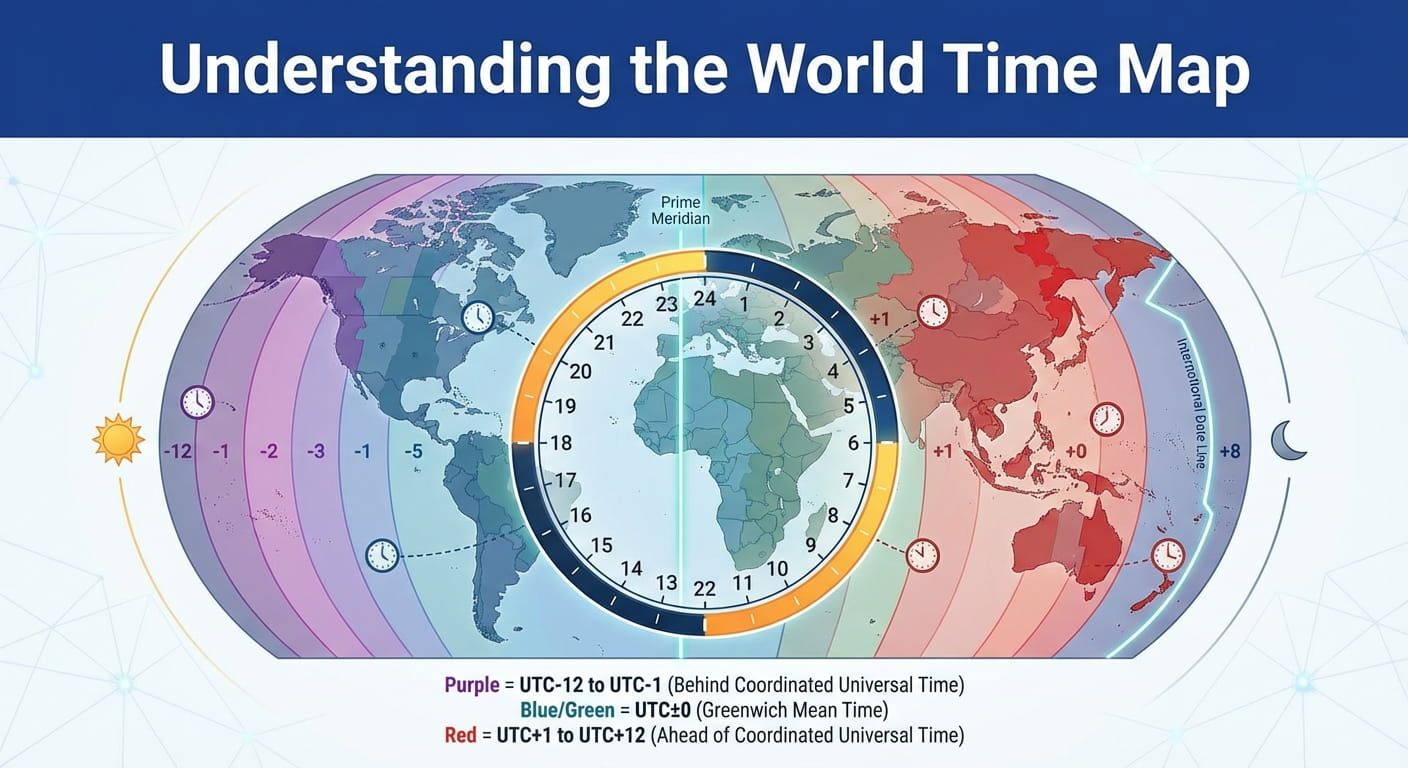
Understanding the World Time Map
A world time map turns the planet into a shared schedule. You can glance at it and tell who is starting a workday, who is eating dinner, and w...

World Time Zone Abbreviations List
The fastest way to miss a meeting is to trust a three letter time zone label without checking what it means. Some abbreviations are solid. Others a...

UTC vs GMT Standards Explained
Every timestamp tells a tiny story. A flight board, a livestream schedule, a game patch note, a server log, a school assignment. Then two three let...
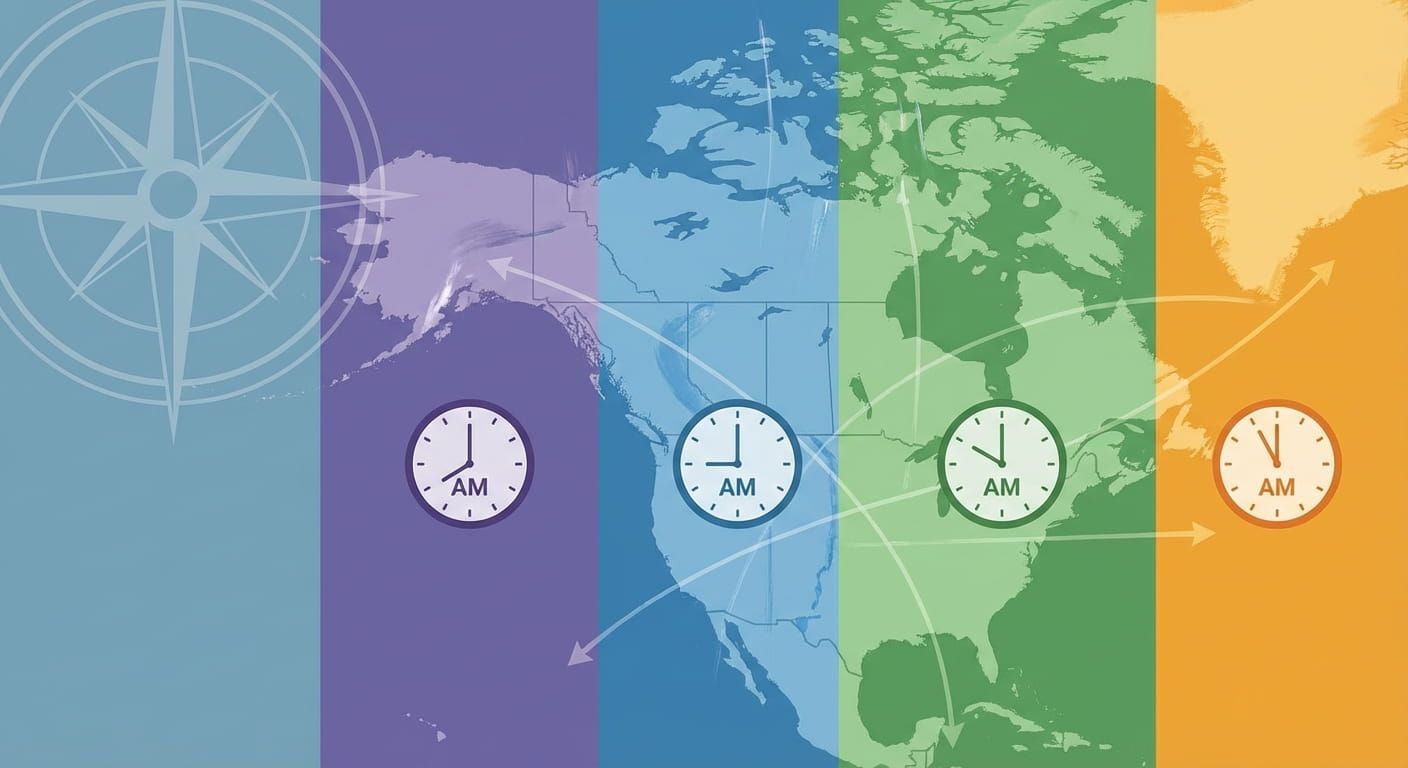
North American Time Zones Guide
Miss a meeting by one hour in North America, and it can feel like you showed up to the wrong day. That is how powerful time zones are. This guide m...

Best International Time Zone Converters
Missed calls, late meetings, and confusing flight times usually come from one thing, converting time across borders without a solid system. A good ...

How to Read Military Time
Military time looks strict at first glance, but it is really just a clean way to tell time with zero confusion. No AM, no PM, no guessing. Once you...

European Time Zones and BST
Landing a call with London, a delivery window in Berlin, and a friend in Athens can feel smooth, right up until the clocks change. Europe is a patc...
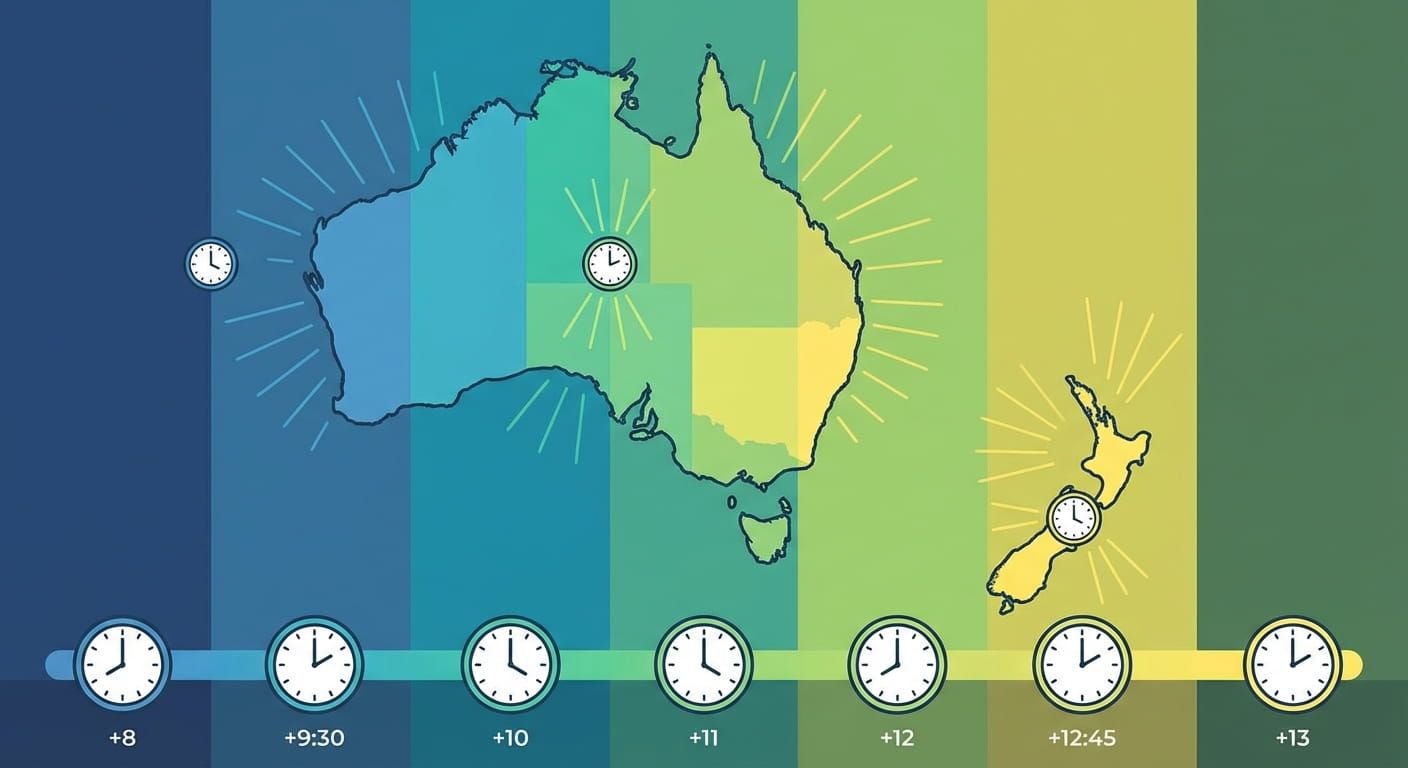
Australian and New Zealand Time Zones
Australia and New Zealand sit close on a map, yet their clocks can feel worlds apart. Add long distances, island territories, and daylight saving c...